
7 Steps to Turn Grok Into an Employee That Works While You Sleep
You've Been Using AI Wrong. It Was Never a Chatbot. It's an Employee You Forgot to Hire. Every task on your list only moves when you sit down and move it. The email you have to answer. The report
Article
Job breakdowns
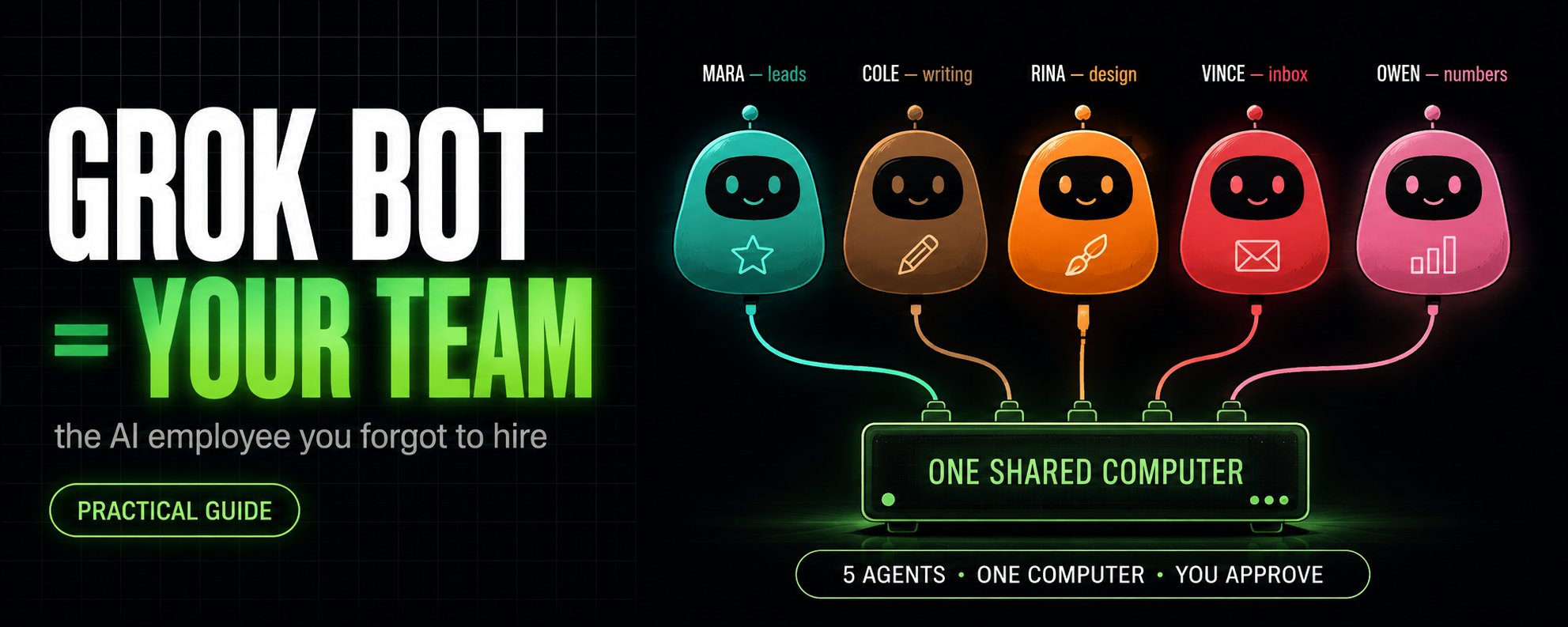
You've Been Using AI Wrong. It Was Never a Chatbot. It's an Employee You Forgot to Hire.
Every task on your list only moves when you sit down and move it. The email you have to answer. The report nobody will read but you still have to write. The three people you have to chase before Thursday.
None of it is hard. And none of it happens while you're asleep, in a meeting, or living your life, because exactly one person on Earth can do it, and that person is you.
That just stopped being true. And the thing that changed it doesn't look like the AI you've been using. It isn't a smarter chat window. It's a coworker who keeps working after you close the laptop.
Here's what actually shipped, and the exact steps, prompts, and code to put it to work tonight.

The difference is a computer that stays on
On August 11, 2026, xAI launched Grok Bot. Strip away the branding and here's the one fact that matters: each agent gets its own computer in the cloud. A real machine with a browser, files, a terminal, and your logins. It opens websites, clicks buttons, fills forms, and sends things, exactly the way you would.
And it keeps going when your laptop is shut, because the work was never happening on your laptop. It runs on a machine in a data center that doesn't turn off when yours does.
That single fact changes the entire job. Every other AI you've used forgets you the moment you close the tab and does nothing while you're gone. This one has a desk that outlives the conversation. You stop writing prompts and babysitting the output. You describe a job, and it brings the computer, the access, the memory, and the time. You bring the decisions.
Your first job: hand it something real in five minutes
Don't start with anything important. Give it a job with nothing riding on it and a result you can check fast. The classic first task: a document you didn't write, due tomorrow, that you don't have time to read.
Create a bot, then send it the document and this:
The last line is the one that matters. It comes back with the pages named, so you can verify any claim in ten seconds instead of rereading forty pages. Then close the laptop. The summary gets written to a file that lives on its computer, waiting with its own address, whether you're online or not.
Ask for the shape of the result in the same breath as the work, and what comes back stops being a wall of chat:
-
a document: headings and source links, so any line traces back
-
a folder: the screenshots and logs sitting together in one place
-
an action log: what it did, in order, and a list of anything it couldn't verify
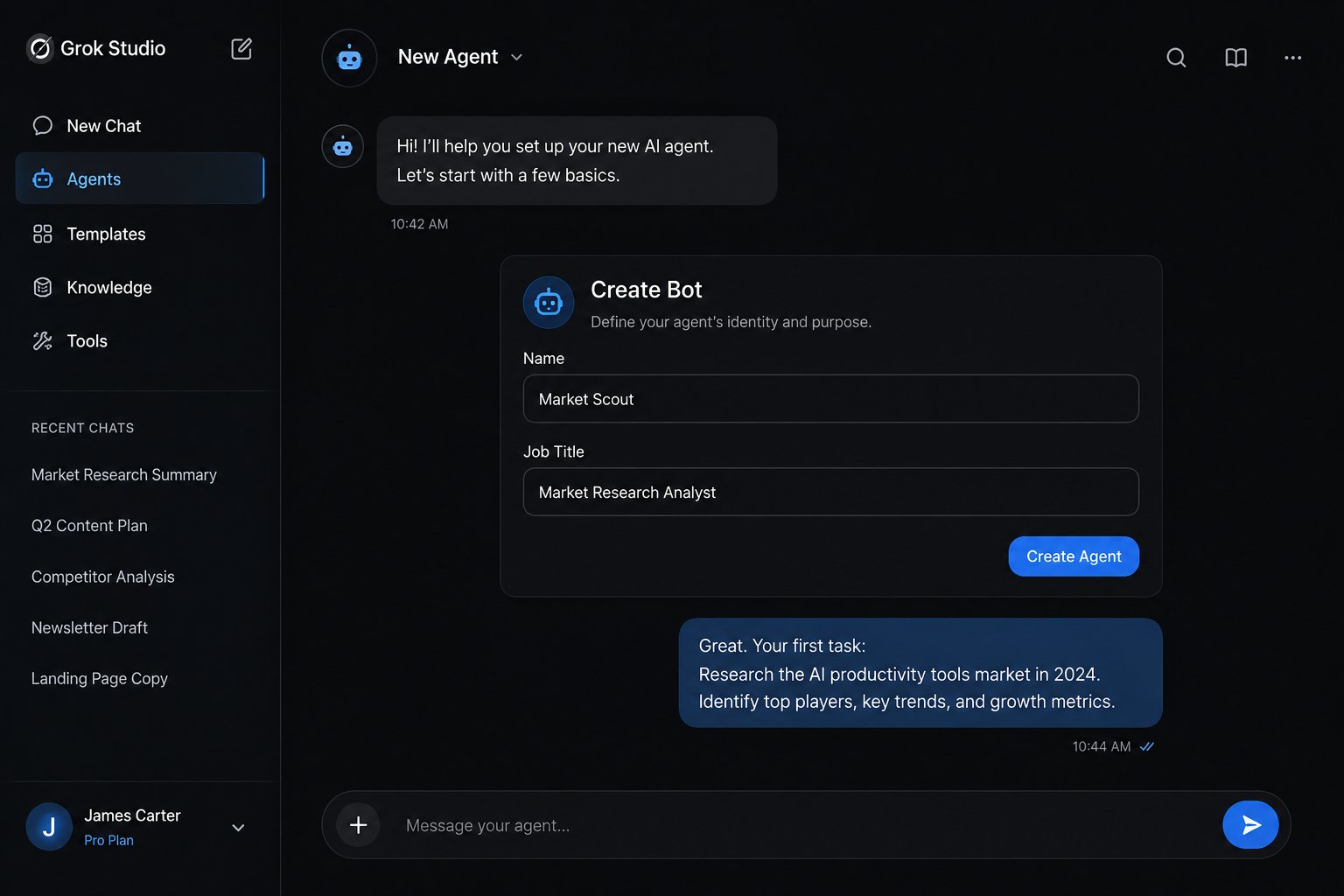
A prompt is a request. A bot is a role.
Here's the mental switch that decides whether any of this works, and almost everyone gets it wrong.
Most people open one of these agents, ask a question, read the answer, and close it. That's treating a coworker like a search box. It's the single most expensive mistake in the whole thing, because you're using an employee to do the job of a Google search.
The fix is to stop thinking in tasks and start thinking in roles. Don't ask an agent to "write this email." Hire it as the person who owns your outbound. Name it after a job a real person could hold. Inbox Manager. Research Lead. Bookkeeper. The name is the instruction that tells the agent what it owns.
The charter is the hire. The message is today's task.
Here's where people quietly turn a coworker back into a to-do list. There are two different documents, and only one is meant to last.
The charter is what the agent owns, forever. Three things go in it: the area it's responsible for, what a finished result looks like, and the line it must never cross without asking you. Write it once, in four sentences, the way you'd brief a real person on day one:
Three of those sentences describe the job. The fourth is a fence. A whole week of work can be checked against that paragraph without opening a transcript.
Today's work goes somewhere else, in the message, and it lands cleanly when it carries five fields:
Leave one of the five out and it comes back to ask before it starts, which costs you the evening you were trying to save. And if you find yourself rewriting the charter every morning, you haven't written a charter. You've written a to-do list with a name on it, and you've lost the point.
The fence: the line it never crosses
The most important sentence is the last one. An agent never told where to stop decides for itself what's reversible, and it decides generously. So you name the actions that need your sign-off, and they're never a surprise. The simplest version is two lists pasted into every bot:
Draw that line once and you can leave the thing running unattended, because you already told it where its authority ends. One honest catch: an approval covers the action about to happen, not the work behind it. Saying yes doesn't undo what already ran. The fence isn't a formality. It's the whole safety story.
One login, and the whole team is already inside
Almost everything worth doing sits behind a sign-in, and this is where people give up. The agent gets to the login page and stops.
It stopped because it's not allowed to guess your password, and you wouldn't want one that could. You fix it once: open the agent's screen live, take the keyboard for a single step, type the password or the two-factor code yourself, then hand control back and tell it to carry on. The password never left you.
Where a real connection exists, skip the browser and use it, because a connection doesn't break the week a website moves a button:
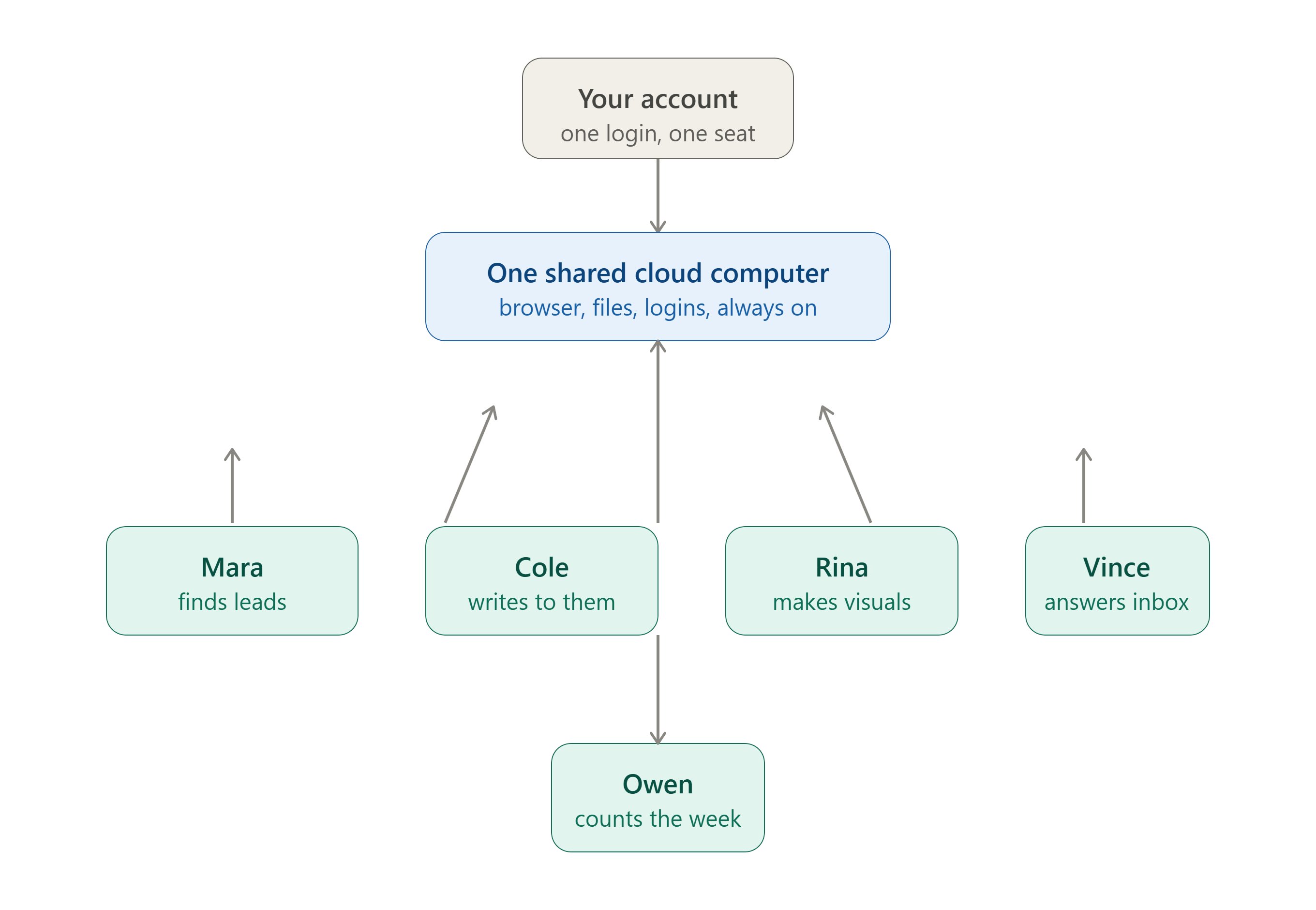
And here's the part that compounds. Every agent on your account shares one computer. Sign in once for one of them, and every agent you hire after that arrives already through the door.
But that same shared machine is the thing to be careful about. Because every agent shares the same files, sessions, and logins, an agent is not a security wall. xAI itself calls that shared computer a real blast radius. Keep your banking and most sensitive logins off it entirely.
Teach it once by doing it. Then it runs on a clock.
This is the feature that turns a tool into an employee. You do a task one time while the agent watches its own screen, and it saves the whole flow as a named skill it can repeat on its own.
Pick a first task that's recurring, touches two or more tools, and rarely changes its steps. Show it once. Then give it a reason to fire. A schedule makes it punctual:
That last clause is not optional. Without it, the morning list repeats itself, and on Thursday you're working Tuesday's mail. A trigger makes it feel present, like something is actually watching so you don't have to:
One honest note nobody leads with: a recorded skill is a draft, not a brain. It captured your clicks, not your judgment. So you add the rules yourself, or it will do something confident and wrong the first time reality doesn't match the recording.
Make them hand work to each other
One assistant becomes a company the moment the agents stop waiting on you to carry work between them.
Put several in one group chat, give them a goal instead of a checklist, and they split it, decide who owns each stage, and pass the pieces between themselves:
Nothing in that line names a worker, and the pack still gets built, because the routing reads what each agent owns. The one line that draws the whole org chart, pasted into every agent's description:
Name one owner per stage and the work moves in a clean line. Leave it open and three of them do the same piece, and the same report lands three times. That handoff, one agent deciding another is better suited and passing ownership without you touching it, is the thing that simply did not exist in AI tools before this.
Bonus: give it a stronger brain with one file
The agents run on an engine, and you can point them at a bigger one. If you want a million-token context window behind the whole roster, you hand a bot these lines once and tell it to keep them where the tool reads them:
You don't have to understand any of it. Those lines say where the work is sent, who's allowed to send it, and which engine answers. One check confirms it: ask the bot to run a status command and read back the engine name. Hand it a term's worth of documents at once and it can still answer about the first page.
The honest limits, before you connect anything
None of this is magic, and pretending otherwise is how people get burned.
It's early beta, so a redesigned page or a random popup can trip an agent mid-task. There's no standalone plan yet, it's bundled into subscriptions starting around two hundred dollars a month, with a card required. The shared computer means an agent is not a security boundary, so sensitive logins stay off it. And approvals stop an action but don't reverse what already ran, with no full audit trail yet.
This is real, and it's powerful, and it's rough at the edges. All three are true at once. Hand it reversible, low-stakes work first, and let it off the leash only after it's earned it, one proven job at a time.
What you actually walk away with
Forget the product name. Here's the shift.
For years, AI could tell you what to do while every actual step, the sending, the filling, the chasing, still waited for you to sit down and do it. That's changing. The work now has somewhere to live that outlives the conversation, someone to own it, and a clock to run against.
You stop being the human router copying information between five chats. You stop being the one grinding through the list. The company still has an owner, you, but it no longer has to have a single worker.
Pick the ugliest repeatable thing in your week, the one no app will ever automate for you. Hire one agent for it tonight. Write its charter like a real job description, make it show you its work, and let it run. Then come back in the morning.
The first time you return to finished work you didn't do is the moment the whole thing clicks. That's when you stop being the one doing the clicking.
FOLLOW ME - https://x.com/enkoxbt
Published on grokbot.sh. Cite the public log, not a prompt pack.