
Using Grokbot + Randomness to Make AI Design More Creative
@Anshuc's blog on designing with AI might be my favorite article of the year. It immediately surfaced as a potential solution to a problem I’d been having in my own app: Prompting the model to “be
Article
Job breakdowns
@Anshuc's blog on designing with AI might be my favorite article of the year.
It immediately surfaced as a potential solution to a problem I’d been having in my own app:
Prompting the model to “be unique” or to “think outside the box” kept producing the same recycled character concepts over and over.
But forcing more variety usually destroyed the visual continuity I wanted.
TLDR: The results were better than I anticipated. I automated an external seed-string workflow using Grokbot to break past default AI outputs and generate distinct, cohesive characters tailored to my game.
Here's how I did it.
The problem I was trying to solve
I'm building an app that has a world of collectible creatures.
I started with one creature I really liked. I had made it with ChatGPT Image 2, and it basically became the visual reference for the rest of the game's characters.
From there, I wanted something that sounds pretty simple:
Make more creatures that clearly belong in the same world, without making them all look like variations of the same creature.
This turned out to be surprisingly hard.
I'd give the model my original image as a reference and prompt it with some variation of:
Create another creature that's part of the same world, but give it its own unique features and look. It can be a completely different species. Think outside the box.
The exact wording changed a lot because I kept assuming I just hadn't found the right prompt yet.
"Make it more unique."
"Completely different species."
"Think outside the box."
"Don't reuse features from the reference."
And so on.
But I kept running into the same tradeoff.
If I leaned heavily on the reference image, I got great visual consistency but the creatures themselves started looking way too similar.
If I pushed the model harder toward originality, I'd sometimes get something interesting, but it would drift far enough that it stopped feeling like it belonged in the same game.
I couldn't reliably get both.
The original creature had an acorn-ish shape to it ( I love this little guy).
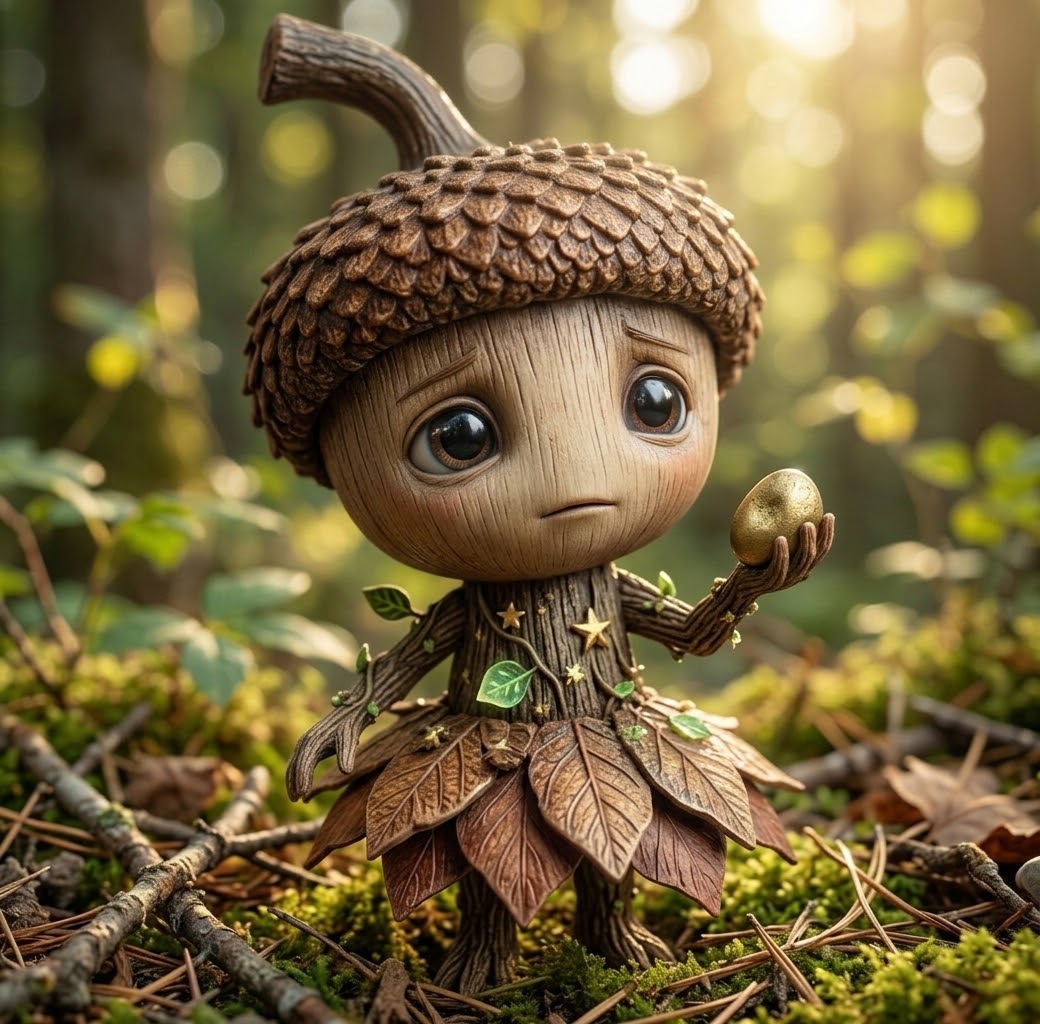
But after using that creature as a reference, the model became very attached to the idea of acorns. I'd ask for a completely new creature and get... another acorn creature.
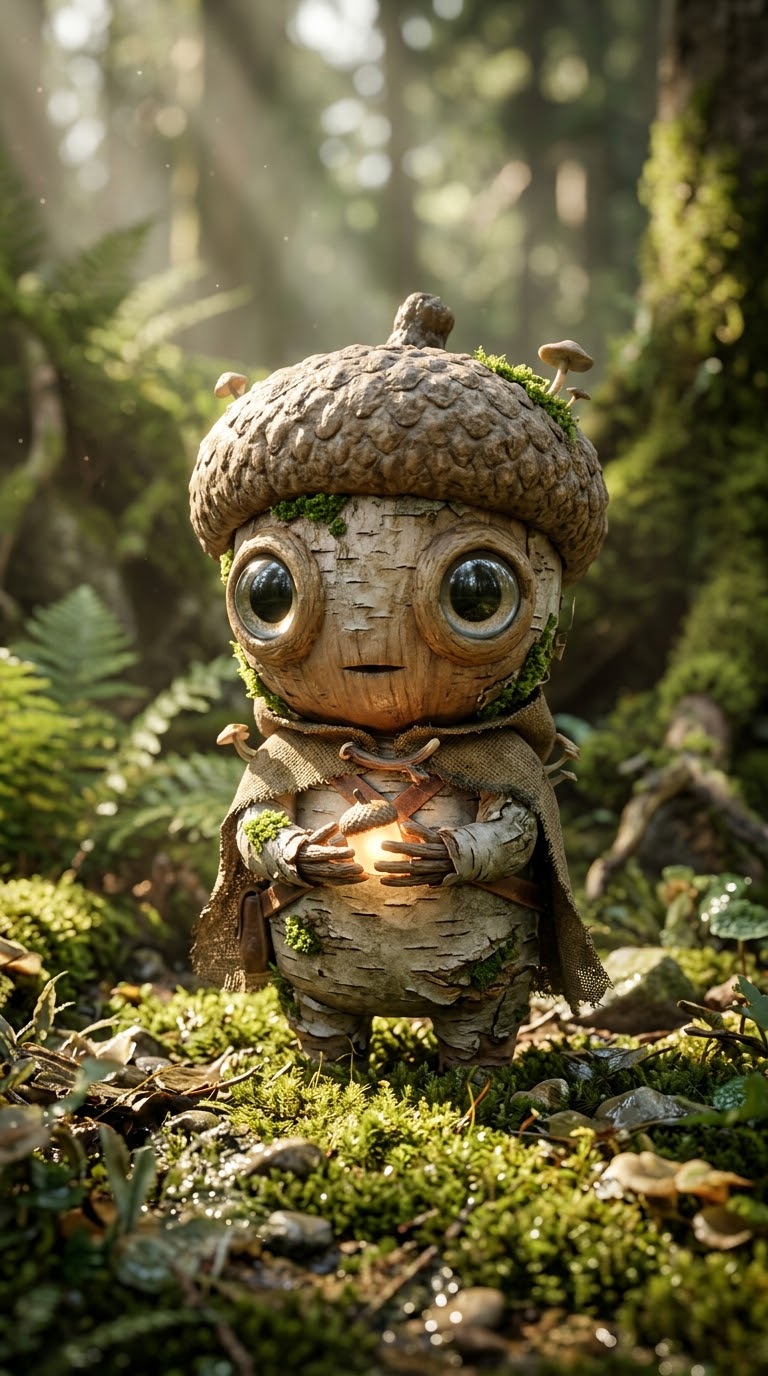
Then another.
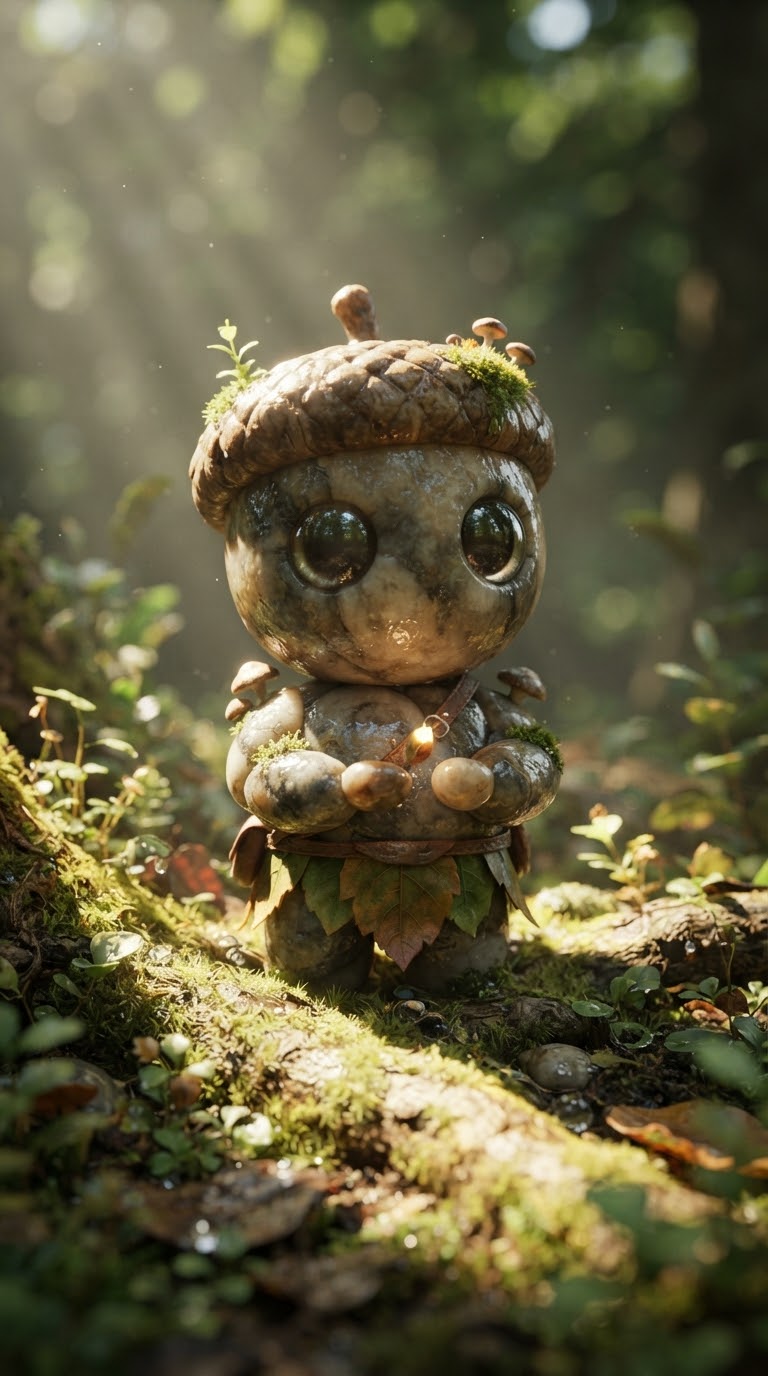
Different enough that technically the prompt had been followed, but similar enough that you could immediately see the model was stuck in the same creative neighborhood.
Inserting Randomness
This is where Anshu's article clicked for me. (@lennysan thanks for the boost)
Instead of asking the model to "be random," I could give it randomness from somewhere else.
I started experimenting with random alphanumeric seed strings to push the model toward ideas it probably wouldn't have chosen on its own.
The key was not randomizing everything. I still needed the creatures to feel like they belonged in the same world.
So I split the prompt into two buckets: what should stay consistent, and what the seed could influence.
The Prompt:
Alphanumeric Seed: [2mmJ-paCp-ufV6]
-
Extract the numerical digits and characters from the seed string to drive visual variability. Look beyond the surface for subpatterns, special numbers, or anything that inspires you.
-
Use your judgment to bring this direction to life and make it look great.
-
Translate the extracted patterns and values into distinct, novel concepts for: PRIMARY MATERIAL ACCENTS CLOTHING/HARNESS ITEM ENVIRONMENT LIGHTING
-
Insert them into the strict template structure below.
Domain Rule: Select exactly ONE value for [DOMAIN]: Forest Creature, Air Creature, or Water Creature.
Eye Rule: Do not randomize or alter the eye specification. Use the exact text provided in the template.
Template:
Macro photography of a small whimsical fantasy creature, [DOMAIN], cute chibi proportions, centered vertical framing, full body visible from head to feet, standing tall in frame, oversized round head with large, cute, expressive, glossy human-like eyes with sparkling pupils. Surface made of [PRIMARY MATERIAL] adorned with [ACCENTS]. Wearing [CLOTHING/HARNESS] and holding [ITEM]. Set in [ENVIRONMENT], illuminated by [LIGHTING], shallow depth of field, natural bokeh background, hyper-realistic tactile macro textures, Octane 3D render."
The results:
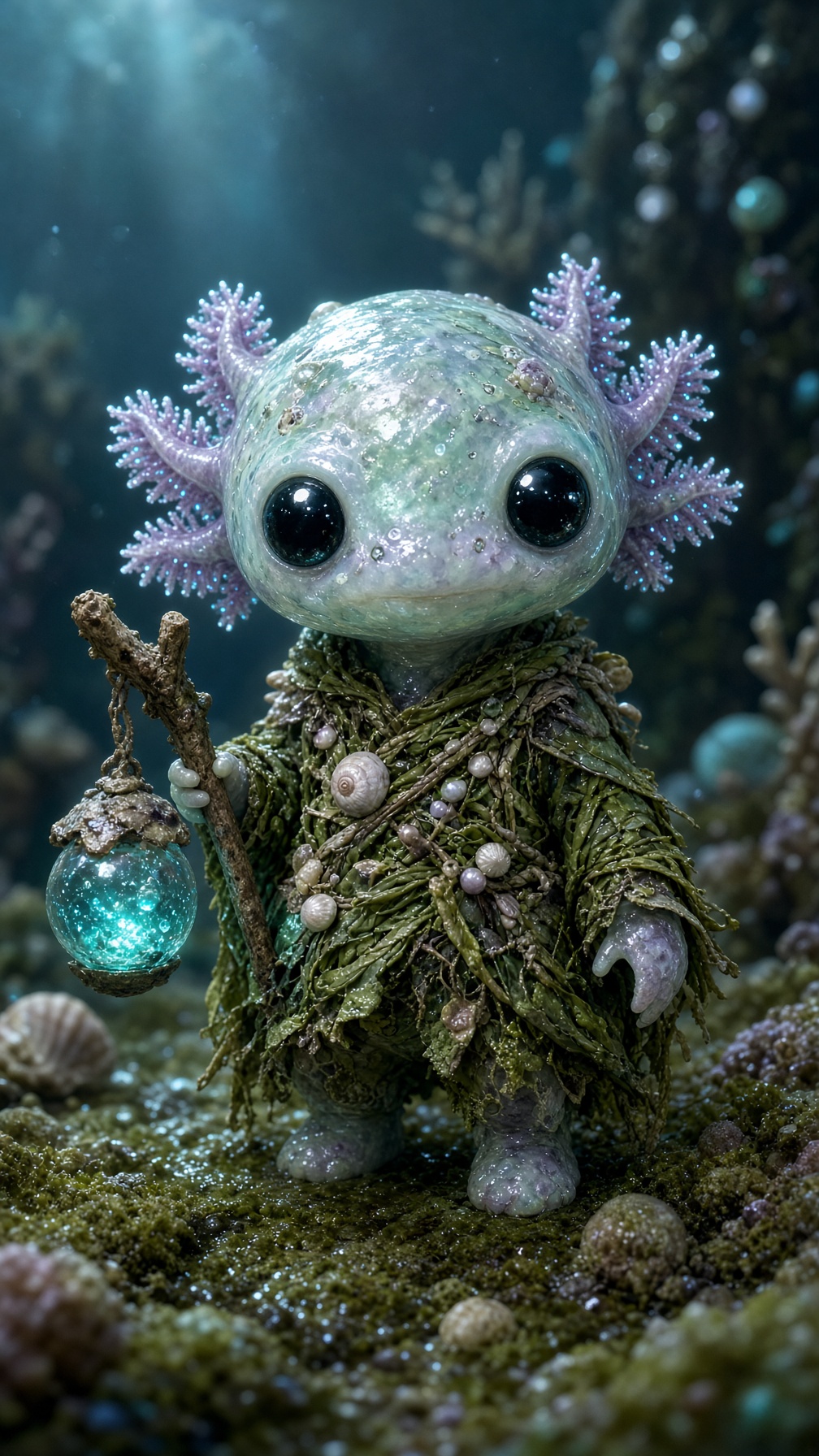
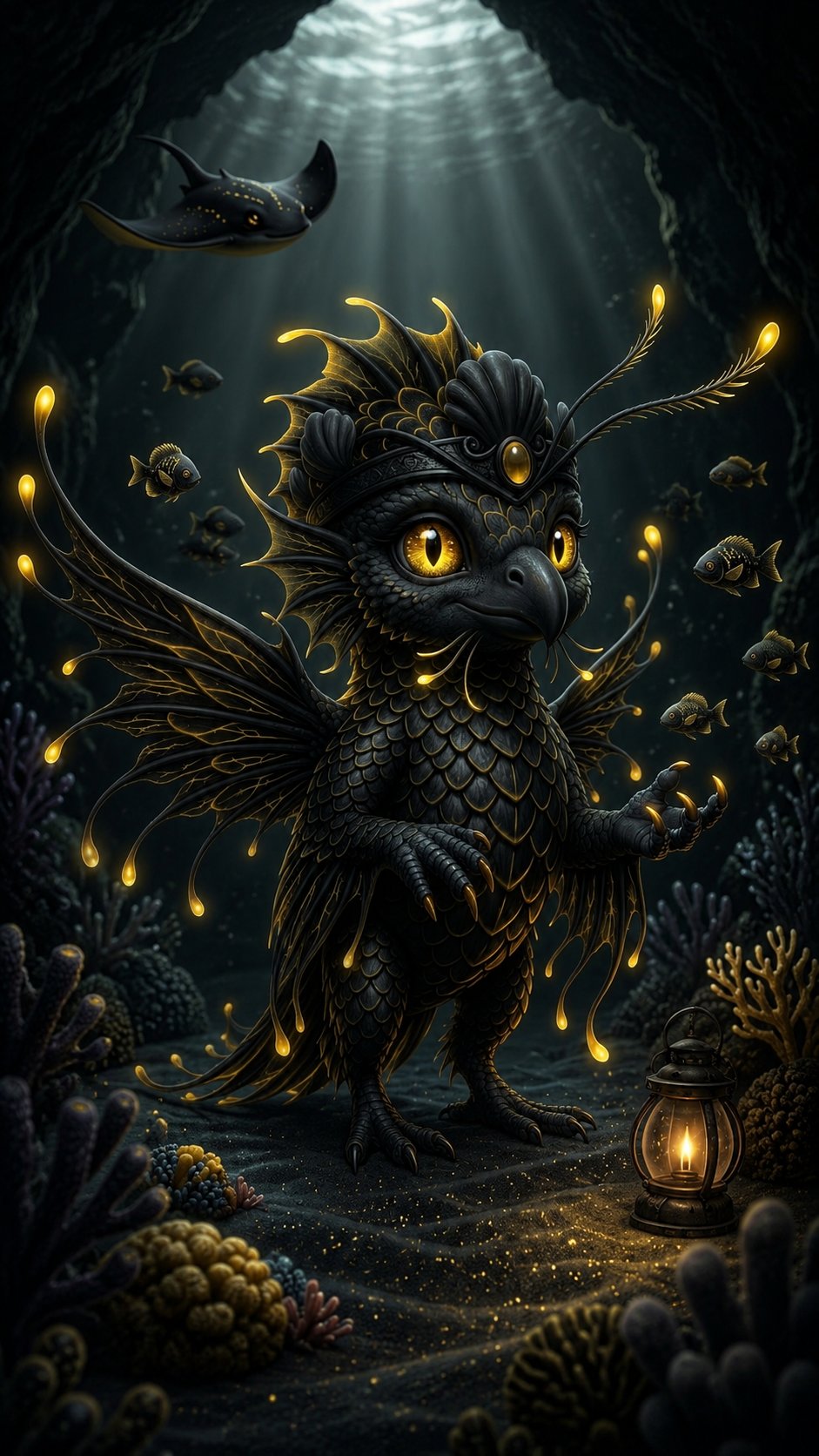
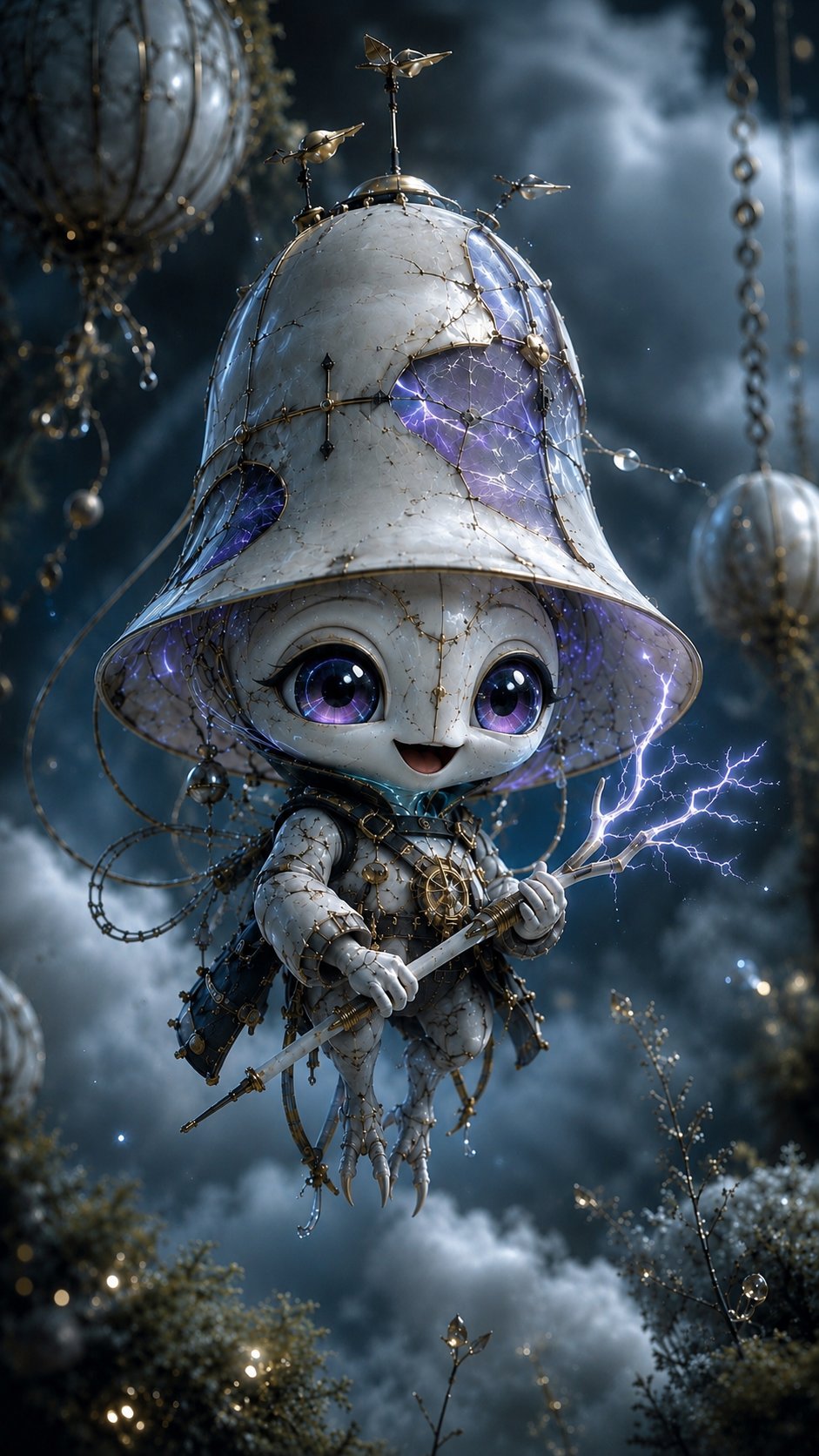
For the first time, I was getting creatures where I'd look at the result and think, I genuinely would not have thought to prompt for that.
Which, for me, was the whole point. There were some misses, no prompt is perfect, but directionally this was a huge improvement.
The only problem was the workflow was still pretty manual:
-
Generate random seed
-
Copy and paste into prompt
-
Submit prompt
Not horrible. But I'm lazy.
Automating with Grok Bot
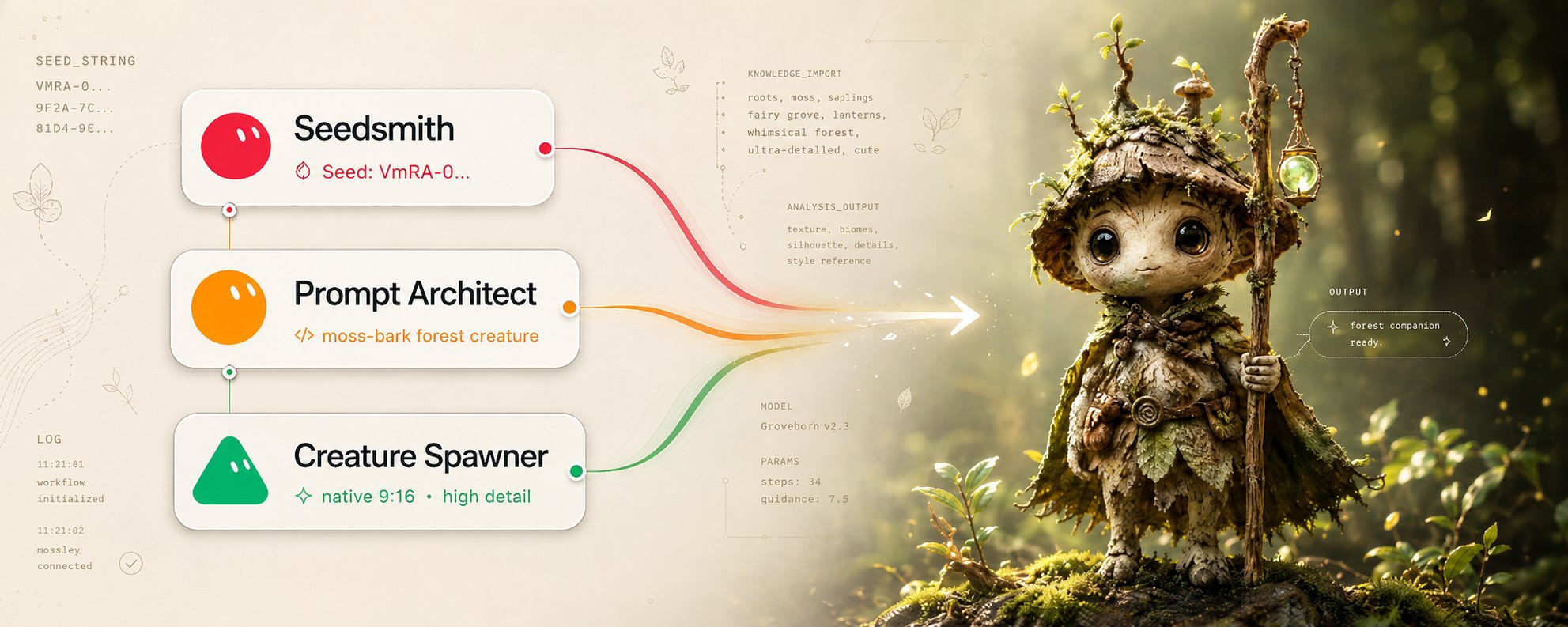
I automated the process with a simple Grokbot workflow with 3 bots (Not including COS):
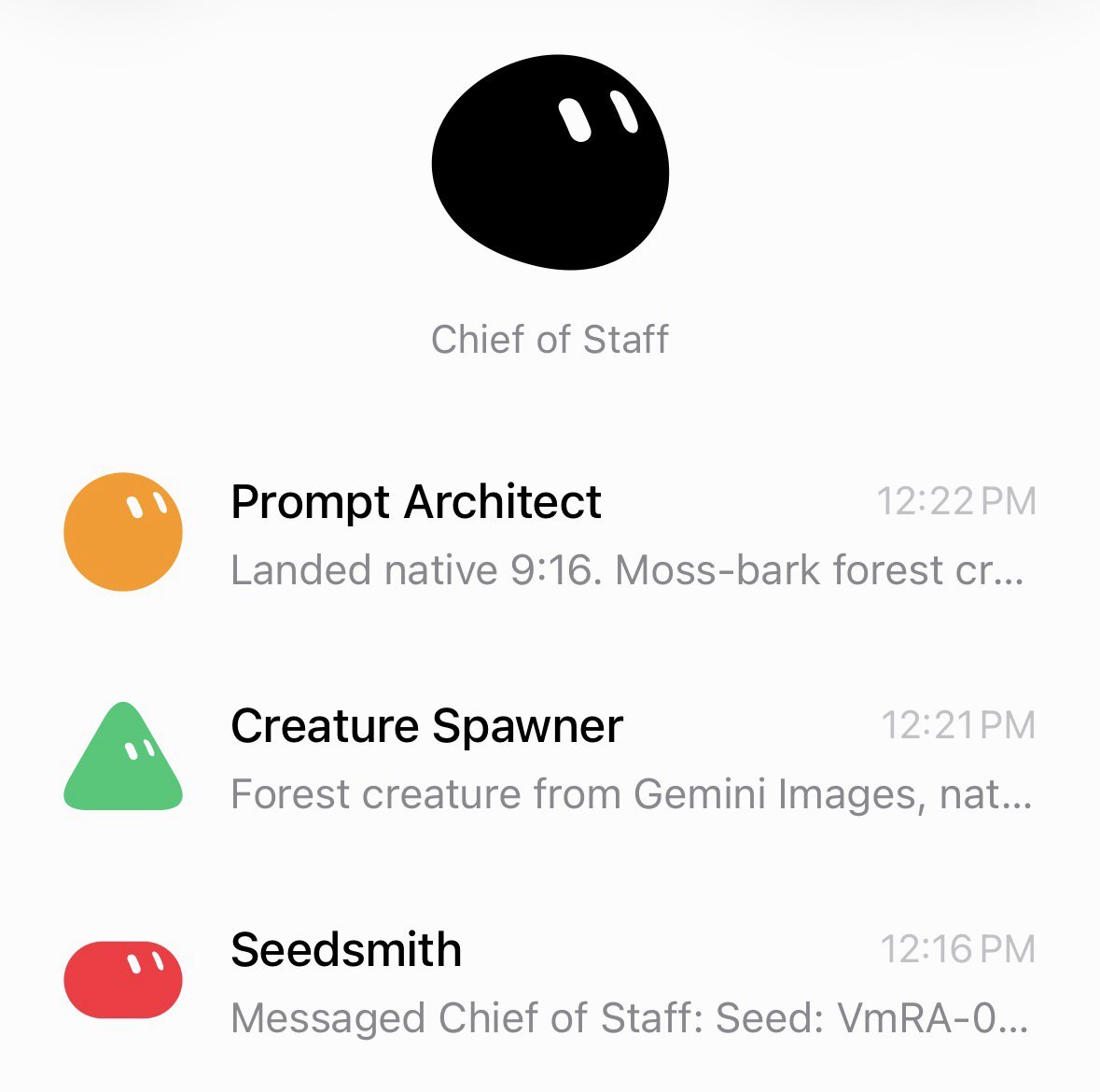
Seedsmith generates a random seed in xxxx-xxxx-xxxx format.
This bot is intentionally isolated. It has no other context, which helps keep the randomness clean instead of subtly inheriting patterns from the rest of the workflow.
That seed gets passed to Prompt Architect.
Prompt Architect does three things:
-
pulls patterns out of the seed
-
maps those patterns to the variable parts of my template
-
assembles the final image prompt
From there, it sends the completed prompt to Creature Spawner, which generates the image.
So the flow looks like this:
Seedsmith → Prompt Architect → Creature Spawne
At that point, the process became really simple. I could just say "spawn creature" and get a new result. If I wanted more variety, I could say "spawn 3 creatures" and let the workflow run multiple times.
I had a ton of fun building this out, and so far the results have been really promising.
Big credit to Anshu for sharing the original idea, it gave me a completely different way to think about prompting for creativity instead of just asking the model to “be more creative.”
I’m curious how other people are using this concept. If you’ve tried external randomness, seed injection, or something similar in your own AI workflows, I’d love to hear what you’ve come up with.
Published on grokbot.sh. Cite the public log, not a prompt pack.