
You can block AI training and still show up in ChatGPT and Claude. Here's how (except Grok).
Founders and devs: if you want ChatGPT and Claude to recommend your app, this one's for you. Let's be real: people now ask AI assistants which app to use, so you want to be in those answers. No theory
Article
Job breakdowns
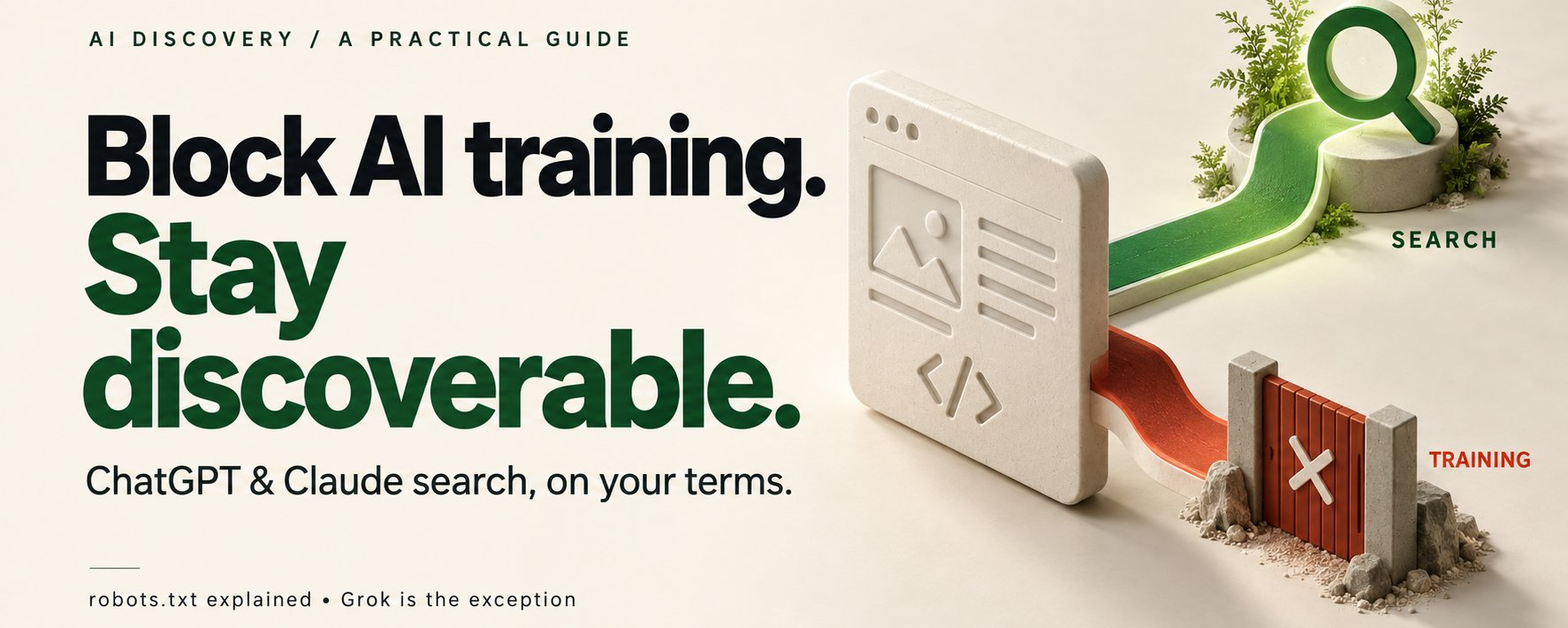
Founders and devs: if you want ChatGPT and Claude to recommend your app, this one's for you.
Let's be real: people now ask AI assistants which app to use, so you want to be in those answers.
No theory here: you get copy-paste files to put your app in AI answers.
To write this, I dug through each company's official crawler docs.
TL;DR
-
Good news: you can say yes to ChatGPT and Claude search and still say no to their training bots.
-
Don't mix up robots.txt, noindex, and a login, or you'll hide the wrong pages. Easy mistake.
-
Grok? Honestly, I couldn't find a documented opt-out, so open pages and posts on X are your best bet.
Alright, let's fix your robots.txt.
Step 1: Decide what AI gets to see
Make public only what you'd be happy to see quoted in an AI answer, and lock the rest behind a login.
Here's how I'd split a typical app:
-
Public: your landing page, pricing, docs, how-tos, and a web page for your mobile app.
-
Private: customer data, invoices, and reports. Lock that stuff behind a login, on the web and in your app's API.
Why robots.txt isn't enough
Private stuff needs a login, because robots.txt is a polite request, not a lock.
Anyone can read your robots.txt. Try it: open your-domain.com/robots.txt in a browser.
Seriously, even Cloudflare's robots.txt docs call it a preference, not a block.
Seriously, even Cloudflare's robots.txt docs call it a preference, not a block.
Step 2: Split search from training in robots.txt
Search and training are separate bots, so saying yes to one doesn't mean yes to the other.
Here's the cast of bots, straight from each company's docs:
OpenAI: OAI-SearchBot powers ChatGPT search. GPTBot crawls content to train its models.
- OpenAI: OAI-SearchBot powers ChatGPT search. GPTBot crawls content to train its models.
- Anthropic: Claude-SearchBot improves Claude's search results. ClaudeBot collects content that may be used for training.
Copy this file
Want search but not training? Paste this into https://your-domain.com/robots.txt:
Don't sweat it: blocking the training bots won't hide you from ChatGPT or Claude search.
Heads-up: this file only speaks to these four crawlers, not to "all AI."
And no, blocking training today won't delete anything that was already collected.
Two sneaky mistakes
-
You assume your User-agent: * rules carry over. They don't. Give a bot its own group and it ignores the generic one (Google's spec has the details).
-
You forget subdomains. Your main robots.txt won't cover docs.your-domain.com, so give it its own file.
Bots that act for a person
Here's a catch: OpenAI says robots.txt rules "may not apply" to ChatGPT-User, the agent that visits pages when a user asks.
Good news on the Claude side: Anthropic says Claude-User respects robots.txt, so you can limit it there.
What about Grok?
For Grok, I found no documented way to split search and training from your site.
Don't believe me? Search xAI's web search docs for "robots" or "crawler": zero results.
Don't believe me? Search xAI's web search docs for "robots" or "crawler": zero results.
The only domain filters live in the developer's code, as in this line from xAI's own example:
Honestly, I'd skip any "Grok bot" rule from a random blog post. Without an official source, it's a guess.
What I'd do instead (no guarantees)
Here's how you can stay findable anyway:
-
Keep your public pages open to crawlers.
-
Post useful how-tos on X that link back to your guides.
Why X? Because xAI's X search docs say Grok can search posts on X.
Why X? Because xAI's X search docs say Grok can search posts on X.
Then track what your X posts bring in.
Step 3: Know what noindex does (and doesn't)
noindex asks search engines to leave a page out of their results. That's all it does.
Honestly, people mix these three up all the time, so here's a quick map:
-
robots.txt tells bots where they can go.
-
X-Robots-Tag is a header your server sends with a page or file.
-
The robots meta tag is one line in your page's HTML.
Want to hide a page, or even a PDF? Send this header, straight from Google's robots meta tag guide:
Want to hide a page, or even a PDF? Send this header, straight from Google's robots meta tag guide:
Prefer HTML? Just drop this tag in your page's head:
Three ways people shoot themselves in the foot
-
You block the page in robots.txt. Sounds safe, right? Nope. If the crawler can't fetch the page, it never sees your noindex (MDN explains).
-
You forget a noindex on a page you want found. Oops. Delete it. And no, "index, follow" won't sign you up for ChatGPT, Claude, or Grok.
-
You treat it like an AI opt-out. It isn't one. Google's support doesn't carry over to every AI system.
Step 4: Set it on your server, then check it
Here's where people trip up: the header has to come from the server that sends the page. So that's your backend, your web server, or your CDN.
Using a CDN with header rules? You'll end up with something like this:
Don't sweat it if your dashboard uses different names.
Doing it in code? Easy. Set the same header on that route's response.
And please don't add these headers to your app's API calls. They only matter on web pages.
Verify what's live
Two sneaky traps I'd check first:
-
A global noindex you forgot to switch off in production.
-
A CDN quietly overwriting your header.
Want to see what a page really sends? Run this:
Heads-up: providers may take a while to notice the change, even after this check passes.
Step 5: On mobile, send people to the right screen
Here's the thing: AI answers link to web pages, not to screens inside your app.
Say you run a recipe app. Someone finds your lasagna recipe in an AI answer and taps the link. You want them on that exact recipe, not your home screen.
That's exactly what iOS Universal Links and Android App Links are for: one link that opens your app when it's installed.
If someone doesn't have your app, no problem: the link just opens your web page.
Two tiny files
Don't panic: the whole setup is two small JSON files.
On iOS? Turn on associated domains in your app, then drop this file at /.well-known/apple-app-site-association:
On Android? Declare the links in your app, then drop assetlinks.json at /.well-known/assetlinks.json:
And that's all these files do: they link your site to your app.
Before launch, grab your phone and test the link from the apps your users actually use.
Step 6: Make your pages worth citing
Here's the part people skip: AI can only cite what your pages actually explain.
Before hunting for a magic tag, check that your site answers five questions:
-
What does it do?
-
Who is it for?
-
How much does it cost?
-
How do you use it?
-
What are its limits?
Here's what clear copy looks like next to vague copy:
-
Vague: "The best AI-powered solution for your workflow." Yawn.
-
Clear: "Plan a week of family dinners in 10 minutes. Free for 3 recipes a week."
Tech checklist
Here's mine, in the spirit of Google's AI features guide:
Here's mine, in the spirit of Google's AI features guide:
-
Pages readable without logging in.
-
Internal links and a sitemap.
-
JavaScript-heavy pages checked for what a crawler actually gets.
-
No CDN or firewall rule blocking a bot you allowed.
Want to confirm a visitor really is OpenAI's bot? Check its IP against OpenAI's published list, like gptbot.json.
How to know it's working
My rule: count what real people do, not what bots do.
I'd track it in three layers:
-
Access: do the right crawlers reach the right pages?
-
Discovery: are assistants mentioning you and sending clicks?
-
Usage: do those visitors sign up or try something?
On mobile, don't celebrate the install. Celebrate the first useful thing someone does on the right screen.
Attribution gets messy between apps, so just ask new users: "How did you hear about us?"
The takeaway
Getting found by AI is distribution you build and measure, not a tag you add.
Your homework: open your-domain.com/robots.txt and look for these six names:
-
OAI-SearchBot
-
GPTBot
-
ChatGPT-User
-
Claude-SearchBot
-
ClaudeBot
-
Claude-User
Have you checked which AI bots can reach your app?
Published on grokbot.sh. Cite the public log, not a prompt pack.