
I Built a Bloomberg-Grade Terminal on Grok Bot, Here's the Exact Setup
A Bloomberg seat costs $27,660 a year. Most solo traders never touch one — not because the software is hard, but because the price tag is institutional by design. I spent three weeks trying to answer
Article
Job breakdowns
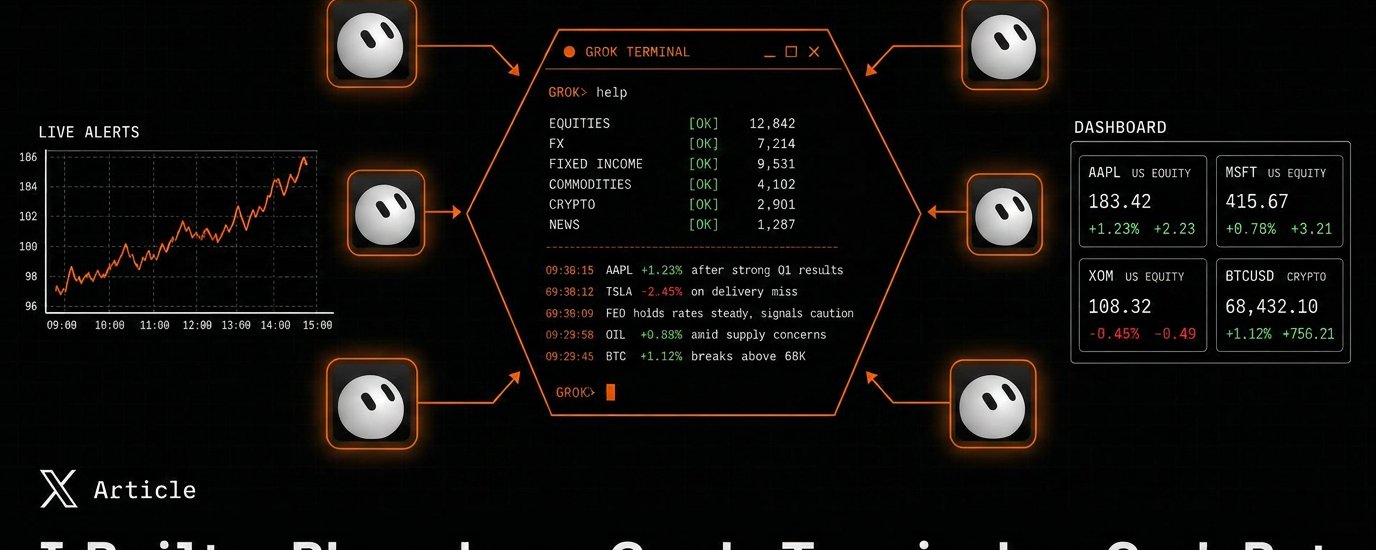
A Bloomberg seat costs $27,660 a year. Most solo traders never touch one — not because the software is hard, but because the price tag is institutional by design.
I spent three weeks trying to answer one question: how much of that terminal can one person actually rebuild with agents they already have access to?
The honest answer is: most of it. Not the licensed data pipes — those are locked behind exchange contracts and nobody is spoofing that at consumer scale. But the workflow — the part that makes a terminal feel like a terminal instead of a spreadsheet — that's now buildable in a weekend with Grok Bot as the interface layer.
Here's the exact setup, the code, and where it breaks.
Part 2 — Why Grok Bot Specifically
I tried three approaches before landing on this one:
-
A single chatbot with a big prompt — collapses the moment you need more than one thing monitored at once.
-
A pile of cron jobs and Slack webhooks — technically works, but you're back to writing code every time you want a new view. That defeats the point.
-
Named, persistent bots on a shared cloud workspace — this is what Grok Bot gives you, and it's the closest thing to how a real trading desk is actually organized: specialists, not one generalist.
Grok Bot lets you spin up multiple named bots that share one persistent cloud machine — browser, filesystem, terminal, all of it. You message a bot the way you'd message a teammate on Slack. It doesn't forget its role between sessions, and it can act (browse, run scripts, write files) instead of just replying with text.
That's the piece that makes this feel like a terminal instead of a chatbot: each function gets its own dedicated bot, and they all read and write to the same shared workspace.
Three moving pieces: a monitoring layer that watches the world, an interface layer you actually talk to, and a dashboard that gives you the "wall of glowing numbers" feeling without which no terminal feels like a terminal.
Part 4 — Build Step 1: The Shared Workspace
Everything hinges on one file every bot agrees to read and write from. This is the part people skip and then wonder why their "terminal" is just six bots that don't know about each other.
live-alerts.json is the spine of the whole system. Every bot that finds something worth surfacing appends to it in the same shape:
Fixed schema, one file, every bot writes to it the same way. This is the entire trick — nothing fancier than that.
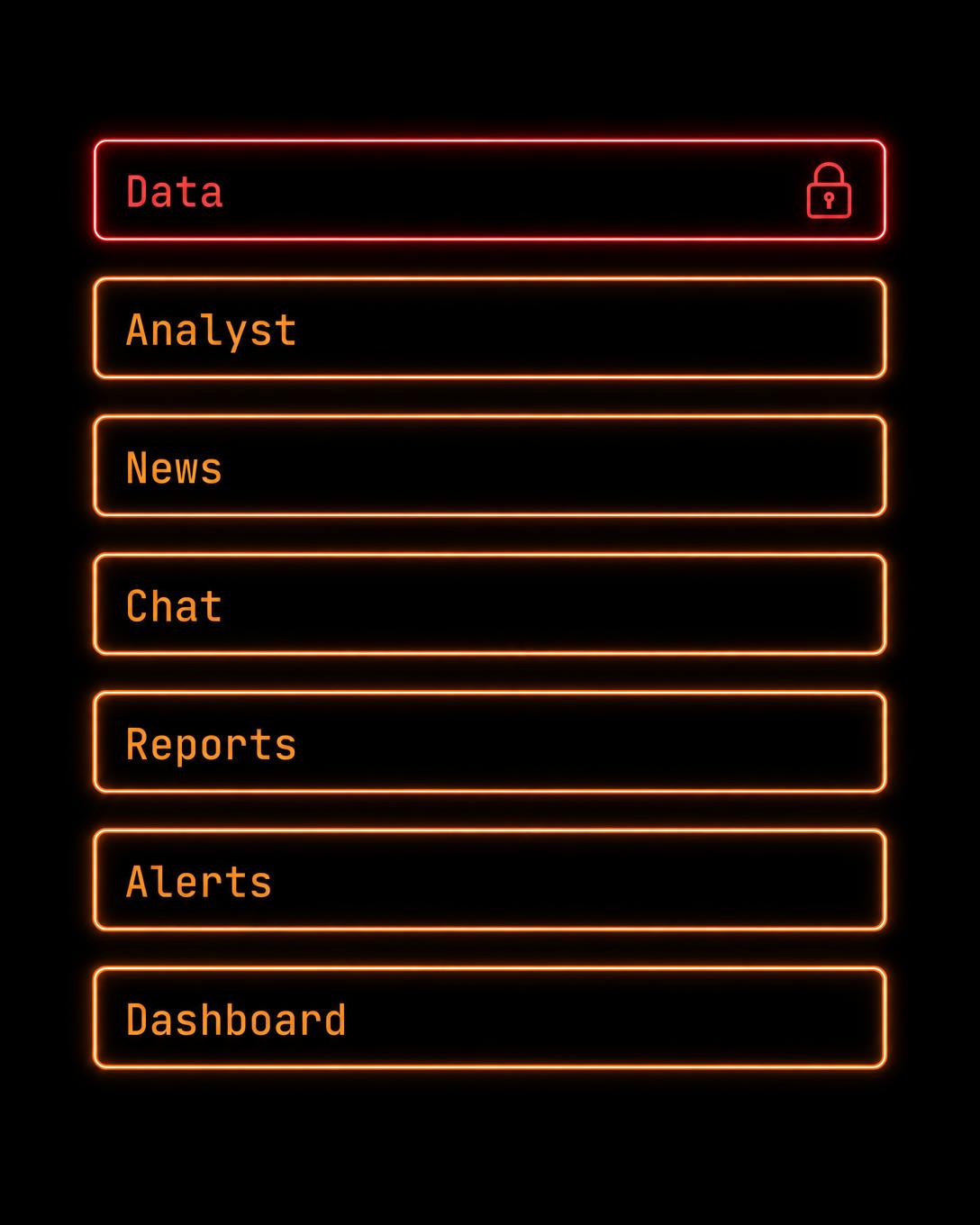
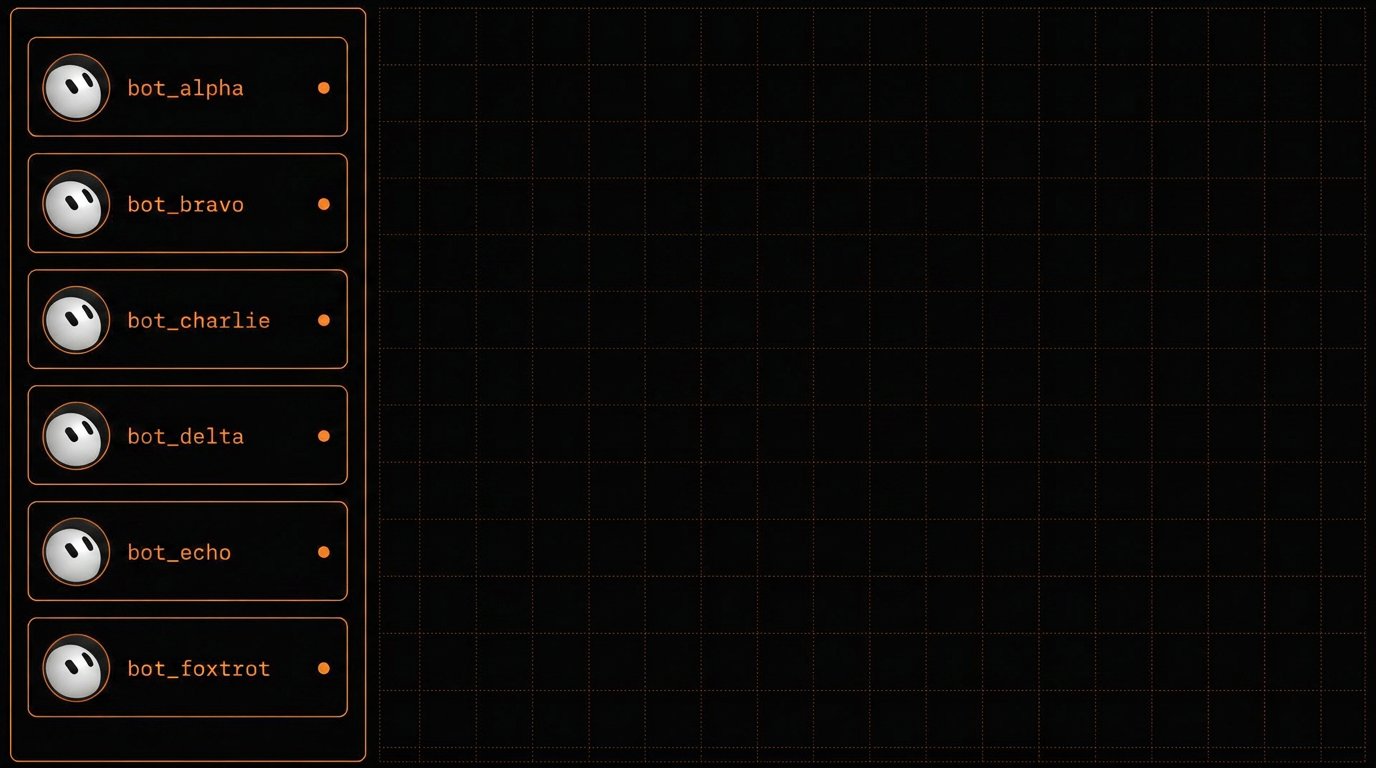
Part 5 — Build Step 2: The Six Bots
Create six named bots in Grok Bot. Each one gets a tight, single-purpose system prompt — resist the urge to make any of them "do everything," that's how you end up back at a single generalist chatbot.
Alerts Bot
Analyst Bot
News Bot / Reports Bot / Position Bot / Macro Bot follow the same pattern — narrow role, one file it owns, plain-language output. Reports Bot in particular is worth setting on a schedule:
Part 6 — Build Step 3: The Monitoring Layer
This is the part that actually earns the "24/7" claim. You don't want six bots polling every source themselves — you want them dispatching narrower watchers.
Split coverage into categories so no single bot is trying to read the entire internet:
Any hit above your conviction threshold gets appended to live-alerts.json in the schema above. That's the only contract that matters — the monitoring layer can be as simple or as elaborate as you want, as long as it writes to that file correctly.
Part 7 — Build Step 4: The Dashboard
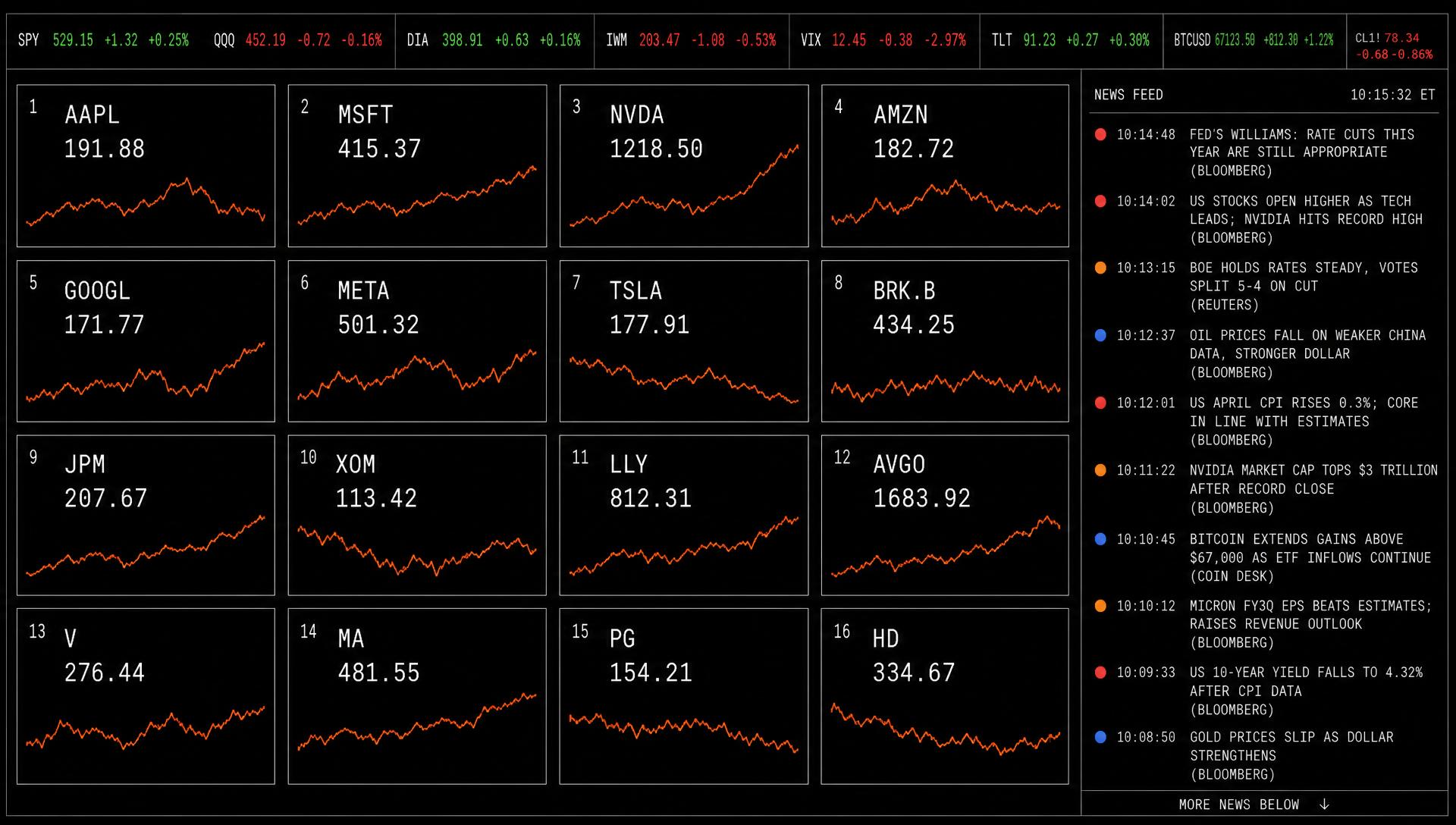
This is the layer that makes it feel like a terminal instead of a group chat. A minimal live-updating panel, built as a local React app:
This is deliberately minimal — a 4x4 watchlist grid and a scrolling alert ticker reading straight from the same JSON file your bots write to. From here it's additive: a sector heatmap is just another grid colored by a performance field, a P&L strip is the same pattern against positions/live.json. Build the smallest working version first, then layer on.
Part 8 — What This Doesn't Replace
Worth being straight about this, because overselling it is how you end up trusting a signal you shouldn't:
-
No licensed real-time exchange feeds. You're working with delayed or free-tier data unless you separately pay for a market data provider — that cost is not in the $3K figure below.
-
No institutional counterparty network. Bloomberg's chat function connects you to other licensed desks. This setup connects you to your own bots.
-
No compliance-grade audit trail. If you need regulatory-standard trade logging, this isn't it.
-
No official-source guarantee. Your monitoring layer is only as good as the sources it's pointed at — a bad source in, a bad alert out.
This is a tool for a solo trader who never had institutional access in the first place — not a Bloomberg replacement for a regulated fund.
Part 9 — What It Actually Costs
Against $27,660/year for a single Bloomberg seat, that's roughly nine times cheaper — for a system that covers most of a terminal's day-to-day workflow, not its licensed data core.
Part 10 — The Actual Daily Loop
Once it's running, a normal session looks like this:
-
Dashboard open in one tab, Grok Bot open in another.
-
Alerts Bot pings: "NVDA — SEC 8-K, capacity expansion, HIGH conviction, same-day window."
-
You ask Analyst Bot for sell-side conviction on the name.
-
You ask Position Bot what your current sector exposure looks like.
-
You decide. You execute through whatever broker you already use — this setup doesn't route trades for you, on purpose.
That's it. No single piece is impressive on its own. What's different is that it's all sitting in one place, running continuously, instead of you tab-switching between six services and losing the thread.
If you build this, the two things worth getting right before anything else: one shared file schema everything agrees on, and narrow, single-purpose bots instead of one bot trying to do all six jobs. Everything else is just iteration on top of that.
Follow @maxdeg0 for the rest of the Kimi K3 / agent-stack series — new build breakdowns every week.
Published on grokbot.sh. Cite the public log, not a prompt pack.