
How to create aesthetic cinematic GIF art: Midjourney + Grok Imagine + a code-based Grok bot
This is the workflow I use to make aesthetic cinematic GIFs. It works for dark, moody, bright, abstract, or any other style — the process stays the same. Generate a strong base image in Midjourney.
Article
Job breakdowns
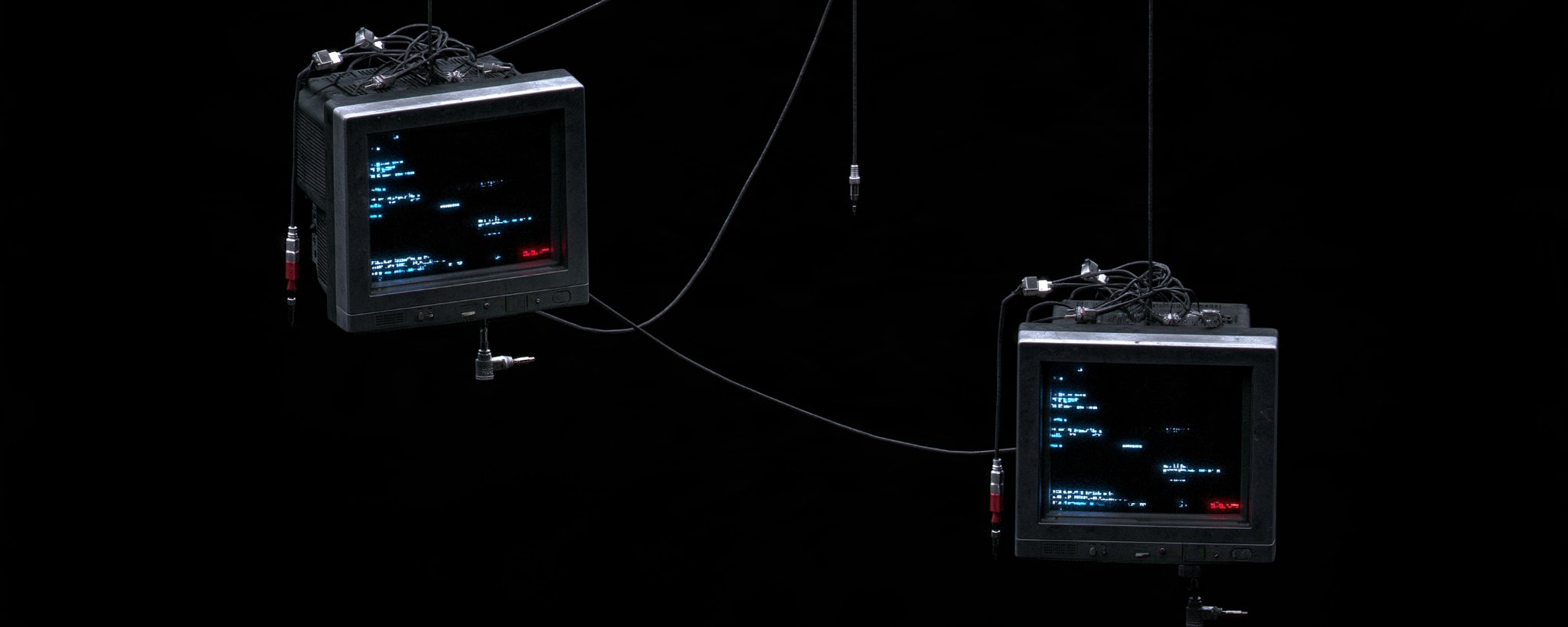
This is the workflow I use to make aesthetic cinematic GIFs. It works for dark, moody, bright, abstract, or any other style — the process stays the same.
-
Generate a strong base image in Midjourney.
-
Edit that image in Grok Imagine (or Nano Banana / Midjourney edit) to create 3–4 related stills locked to the same reference.
-
Feed those stills into a Grok bot that builds the GIF with code (ffmpeg), keeping the frame locked.
Step 1 — Base image in Midjourney
Start with one strong still that matches the aesthetic you want. Focus on clear composition, lighting, and a center point that can hold motion later.
Example prompt style (adapt to your theme):
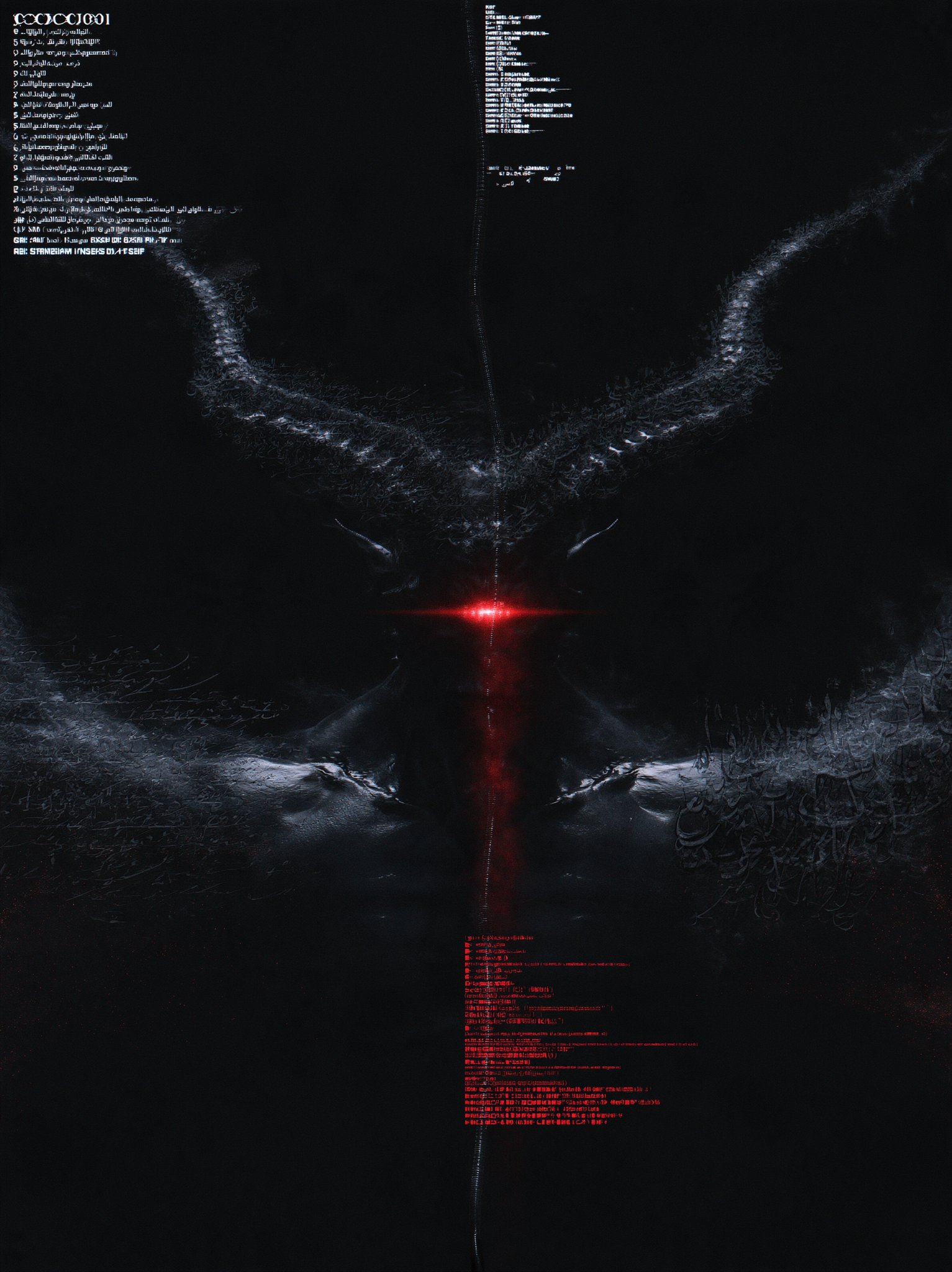
Generate a few versions, pick the strongest, and upscale. This becomes the reference image everything else is built from.
Midjourney base image:
Step 2 — Create 3–4 related images with Grok Imagine
Upload the Midjourney image as the reference. Tell Grok Imagine exactly what to keep from this image and what to change.
What I keep in this image reference:
-
The same main subject and texture
-
The same overall silhouette and composition
-
The same lighting language and background treatment
-
The same stylistic details (HUD, overlays, symbols, etc.) when present
What I change in this set:
-
Color accents or glow
-
Pose, framing, or added elements
-
Intensity of light or effects
-
Small variations that still feel like the same piece
Example Grok Imagine edit prompt:
Repeat with small, targeted changes until you have 3–4 coherent stills. These become your references for the GIF bot.
Grok Imagine edit 1:
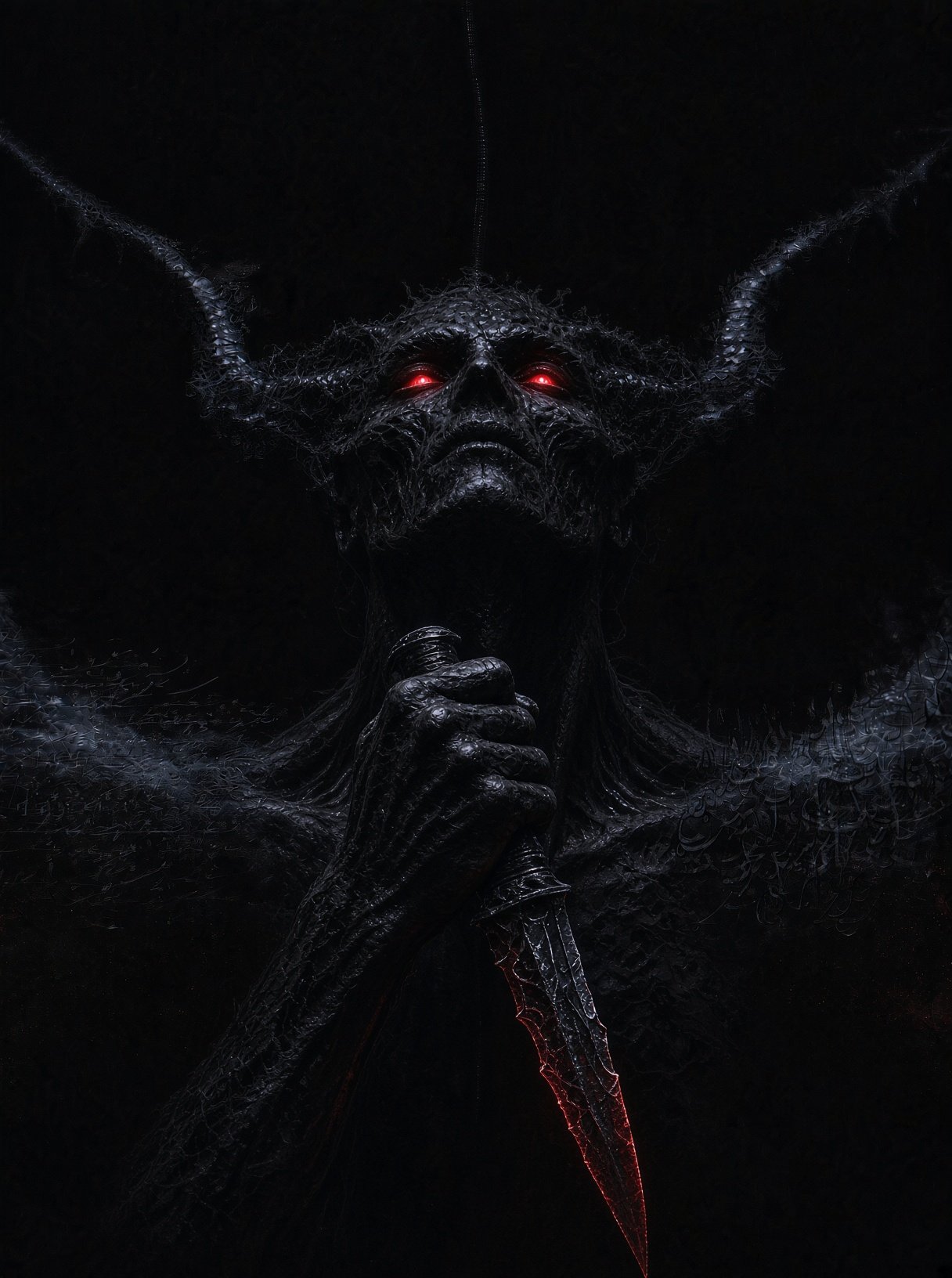
Grok Imagine edit 2:
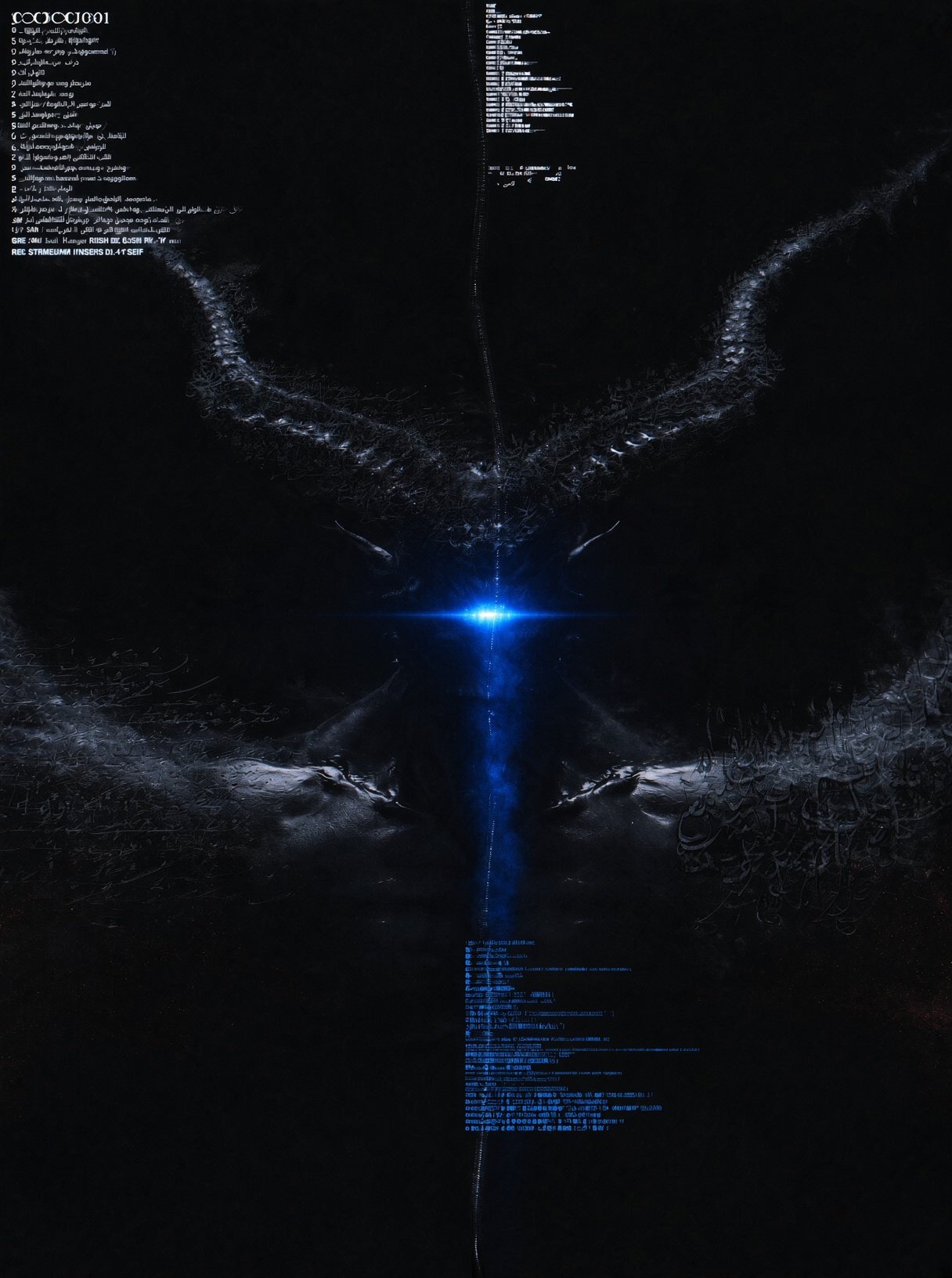
Grok Imagine edit 3:
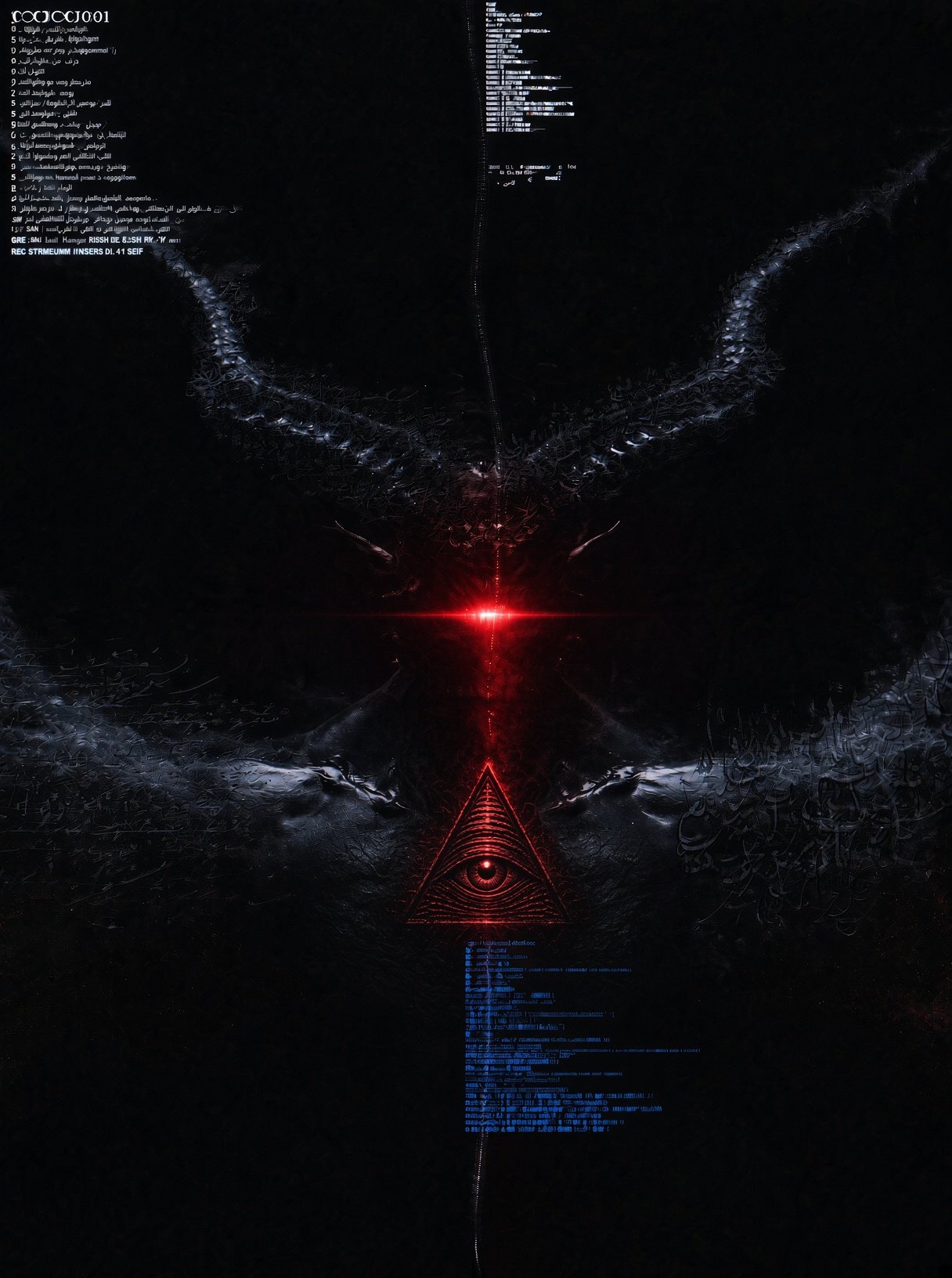
(You can do the same edits in Nano Banana or Midjourney’s edit tools. The point is that every variation stays locked to the original reference.)
Step 3 — GIF bot system instructions
Paste this once into your Grok bot’s custom instructions. After that, every GIF is one message plus the images.
Step 4 — Message you send each time
Attach your Midjourney base and Grok Imagine edits in order, then paste a clear brief.
You can write it structured like this:
Or like I wrote:
Both work. The second style is shorter and more direct when you already know exactly the look you want.
Final result
GIF made from the references above:
Why this order works
Midjourney gives the strong, high-detail base. Grok Imagine (or Nano Banana) keeps the aesthetic consistent while you generate the variations you need. The code bot then stitches them cleanly with a locked frame, so the result feels like one continuous piece of cinematic GIF art. Copy the system instructions once. After that, the only thing that changes is the short message and which images you attach.
If you have any questions, feel free to ask in the comments.
Published on grokbot.sh. Cite the public log, not a prompt pack.