
Grok Bot Engineering: Set Up a Harness for Your One-Person Company
A one-person company needs a way to move work forward while its owner is busy delivering, selling, or making decisions Grok Bot can take on recurring preparation and execution tasks Your harness gives
Article
Job breakdowns
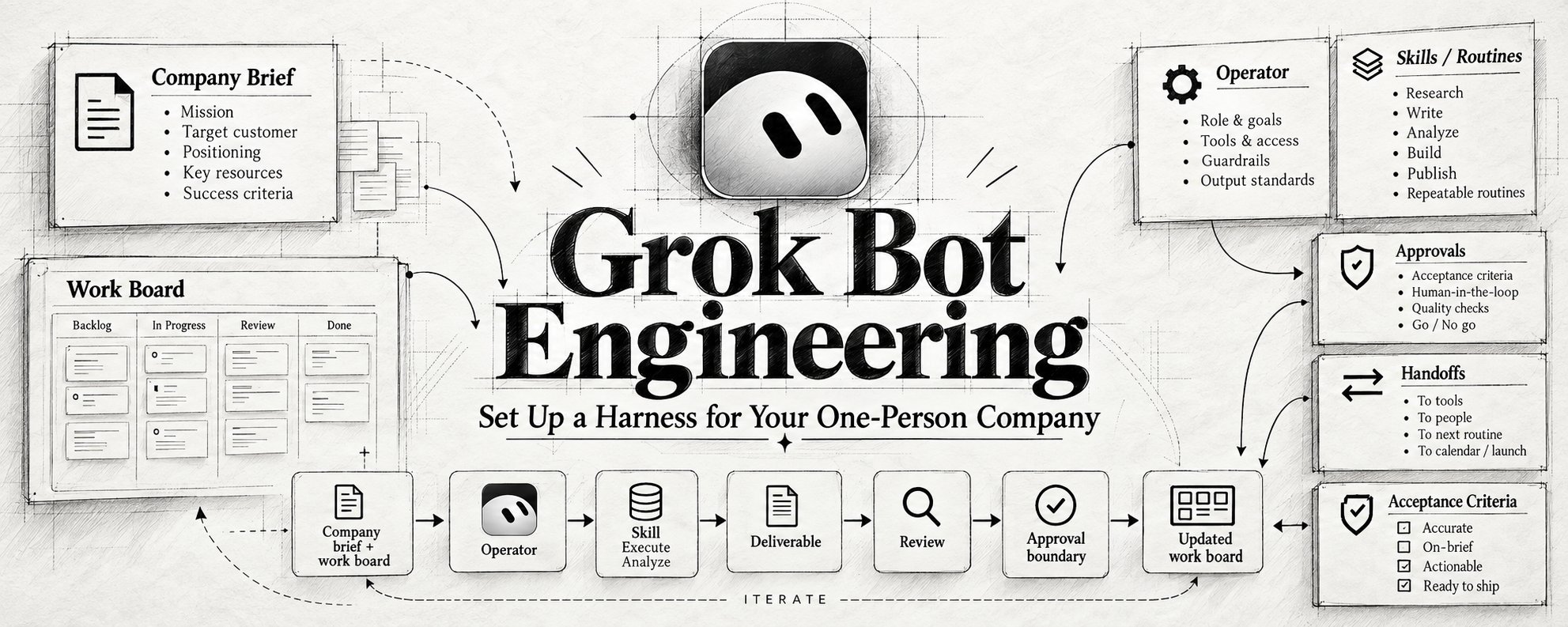
A one-person company needs a way to move work forward while its owner is busy delivering, selling, or making decisions
Grok Bot can take on recurring preparation and execution tasks
Your harness gives each task an owner, current context, a reviewable result, and a clear approval boundary
Here is a practical setup for a solo business selling
a digital product or a service. Adapt the examples to your offer
1. Create an Operator with a defined job
Install Grok Bot through the official download page
Check the current account and plan requirements, then sign in
Official setup => https://docs.x.ai/grok-bot/get-started
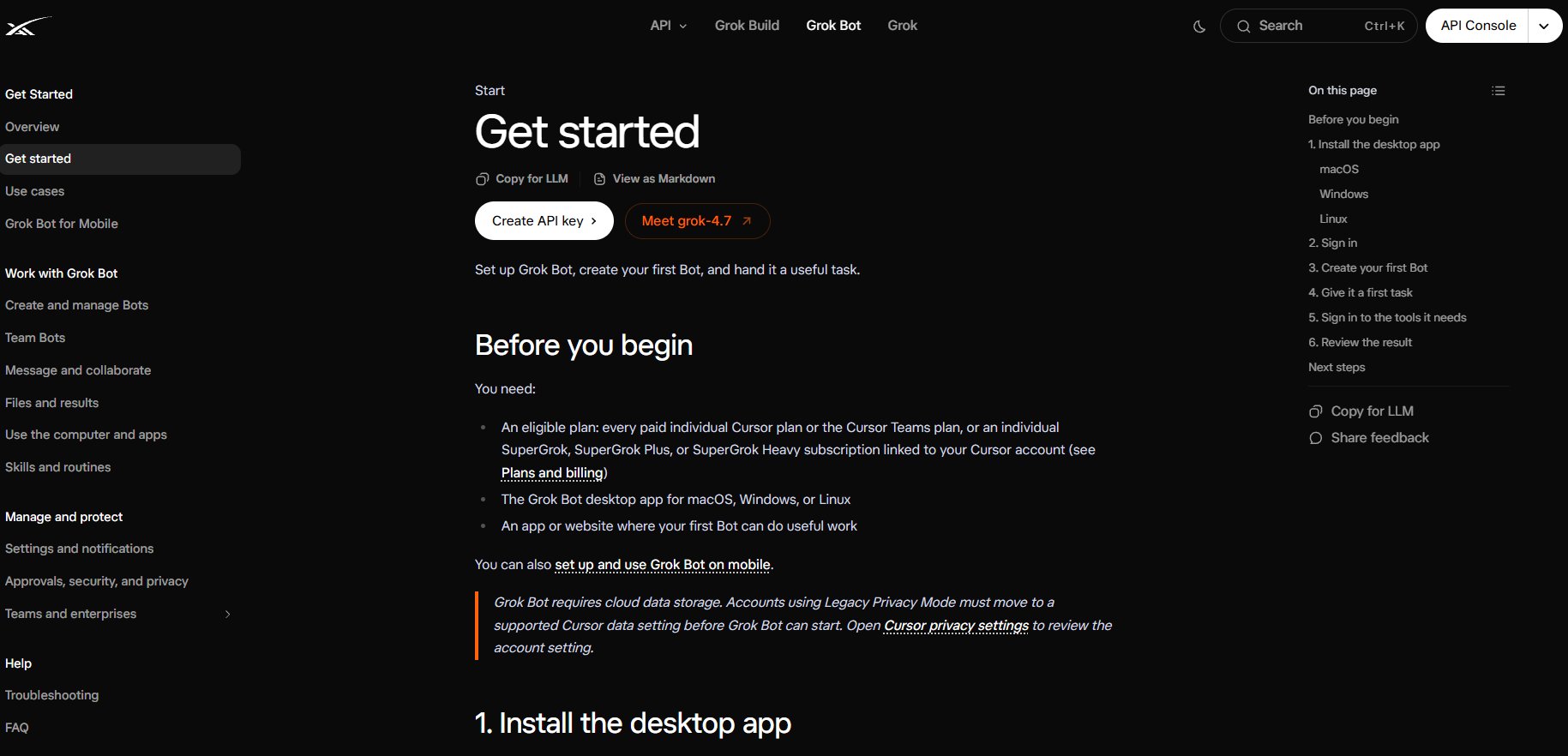
Choose New → Create new Bot
Name it Operator and open Edit Profile
Use its description for standing rules
Use individual messages for current assignments
Bot profiles => https://docs.x.ai/grok-bot/bots
Paste into the Operator description:
Your Operator can start with research, draft preparation, and keeping the work board current
Assign a specific result with every task
2. Give the company a source of truth
Create a short company brief in your existing notes or documents
Attach it to the Bot or provide an accessible link
Copy into your company brief:
Fill unknown fields with unknown
Ask the Bot to identify missing information that blocks its task
Add approved examples of your work
For a creator, include published articles and accepted edits
For a service business, include a real delivery example and the agreed scope of work
Copy these fields into your work board:
Suggested statuses:
ready, working, blocked, awaiting approval, complete
Use the brief for stable business context
Use the board for current progress
Keep changing facts linked to their source and update date
Grok Bot can retain preferences and working context. For consequential decisions, ask it to reopen the current source
Memory guidance => https://docs.x.ai/grok-bot/bots
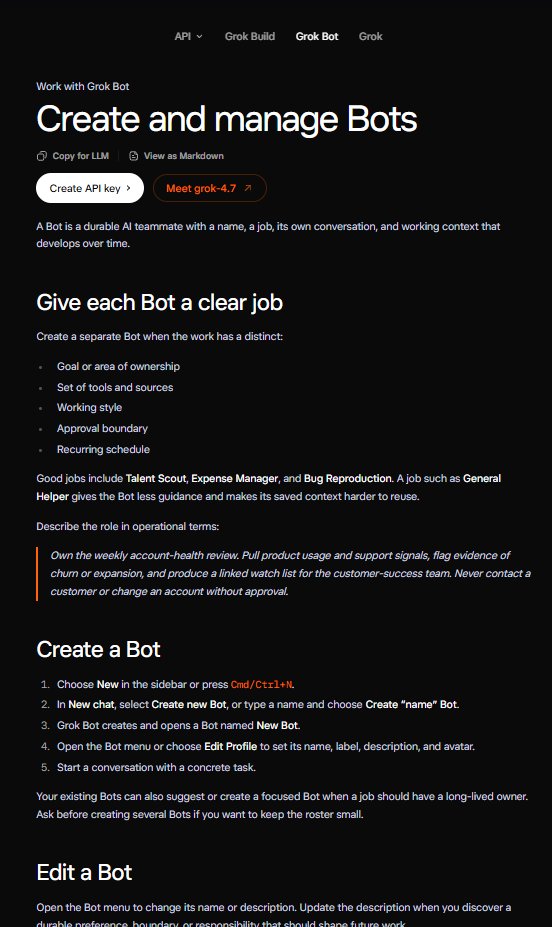
3. Connect access around the first workflow
For launch preparation, start with your offer document, approved examples, and public research sources
Add a notes or document plugin when the Bot needs to save work in that service. Use Marketplace for supported plugins
When a site requires authentication, open Agent Computer, take control, complete the login, and return control to the Bot
All Bots on your account share their cloud computer
Files and browser sessions can be available across the roster
Review connected accounts when you add a new role
Computer and apps => https://docs.x.ai/grok-bot/computer-and-apps
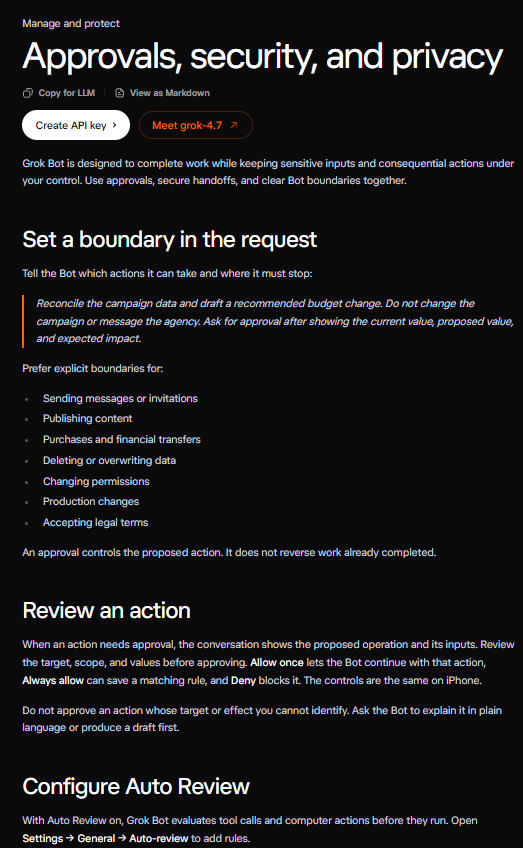
Open Settings → General → Auto-review
With Auto Review enabled, add Ask first rules for the external actions listed in your company brief
Ask first takes priority when approval rules overlap
Pair those rules with appropriately scoped service access
Auto Review evaluates actions using a model
Approval controls => https://docs.x.ai/grok-bot/approvals-security-and-privacy
Set local computer execution according to the task's needs
A workflow using cloud documents can begin with cloud access
4. Give each task an acceptance check
A task should describe what finished work looks like
Paste into the Operator conversation for a small product launch:
Review the output against concrete criteria:
-
The offer, price, and terms match the source document
-
Each factual claim has appropriate supporting evidence
-
The writing follows your approved examples
-
The final document is accessible from the conversation
-
The board identifies the next decision you need to make
These are editorial checks for the example workflow
Choose acceptance criteria that fit your actual business task
For client delivery, that might be agreed scope and required files
For expense preparation, it might be source receipts and totals that reconcile with the records
5. Make handoffs carry the work
Start with the Operator owning the complete task
Add a specialist when there is a recurring job worth separating
A Researcher could own evidence gathering
A Delivery Bot could own preparing the customer artifact
The Operator keeps the board and your review queue current
Grok Bot supports group conversations and Bot-to-Bot handoffs. Use a group when several Bots share one outcome. Mention the Bot responsible for the next step
Collaboration => https://docs.x.ai/grok-bot/chat-and-collaboration
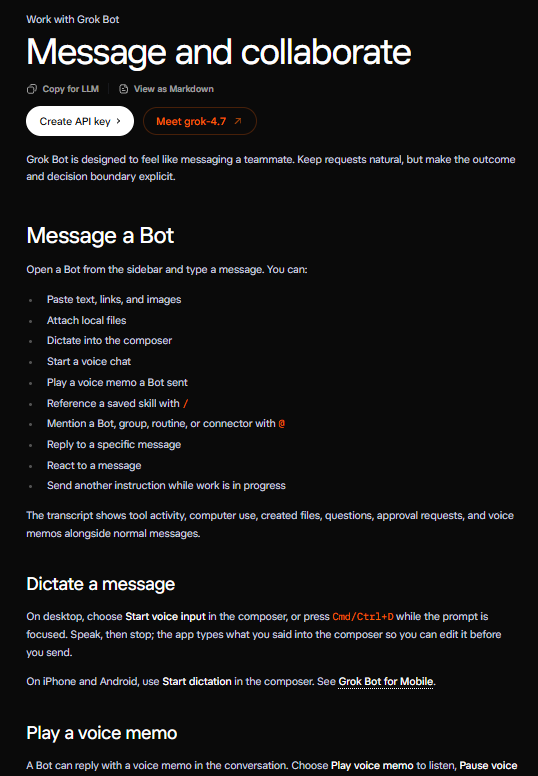
Copy this handoff template:
Keep one owner for each stage. Ask the receiving Bot to inspect the saved work before continuing
This structure also helps when a task is interrupted
The next turn can check what already happened, which result exists, and what still needs to be done
For an uncertain external action, inspect its destination and action record before attempting it again
6. Save the process you have reviewed
Run a small real task and correct its output
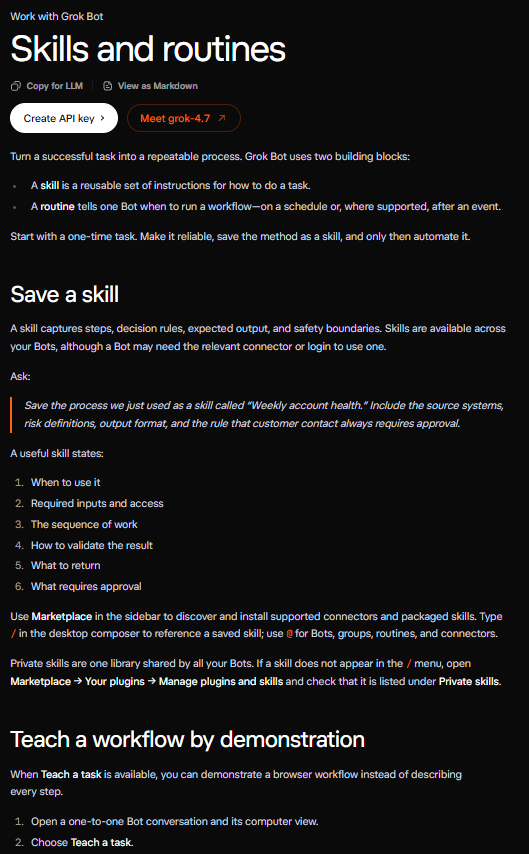
Paste into the Bot conversation to save the skill:
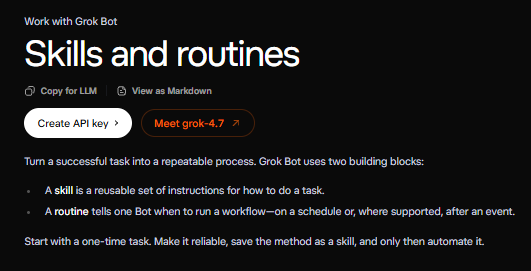
A skill stores the reusable method. A routine schedules work for its owning Bot
Reference saved skills through the slash menu in the composer
Skills and routines => https://docs.x.ai/grok-bot/skills-routines-and-automations
Try the method on another input before scheduling it. Check how it handles a missing source or incomplete brief
7. Schedule work that helps you make decisions
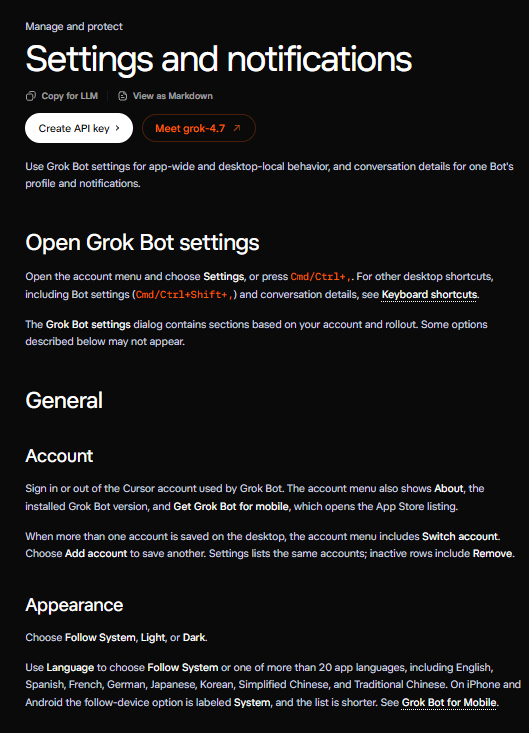
Set the time zone in Settings → General → Bot
Check Usage & Billing as you begin recurring runs
Settings => https://docs.x.ai/grok-bot/settings-and-notifications
Paste into the Operator conversation to request the routine:
Confirm the schedule, source documents, owning Bot, and expected output shown by the routine
Use Test run and review what it actually did
Test runs perform real work through the connected tools
Routine testing => https://docs.x.ai/grok-bot/skills-routines-and-automations
Later, schedule a specific approved workflow:
research preparation, a weekly delivery pack or an expense summary from the records you provide
Keep each routine tied to an observable result
Review its run history when sources or processes change
After accepting a deliverable, save the final version, update the board, and record the correction you want reused.
Update the skill when that correction changes the process
Save this so you don't lose it
Follow @beamnxw for more alpha :)
Follow @beamnxw for more alpha :)
=> my substack
=> my telegram channel
Published on grokbot.sh. Cite the public log, not a prompt pack.