
Grok Bot Agents x Whop: Build a 24/7 AI Agent Team to Automate Your Business From One Prompt
Everyone's talking about GrokBot, but how do you actually make money using it? The real opportunity is not using it as another chatbot. It is turning GrokBot into a 24/7 business operator. You provide
Article
Job breakdowns
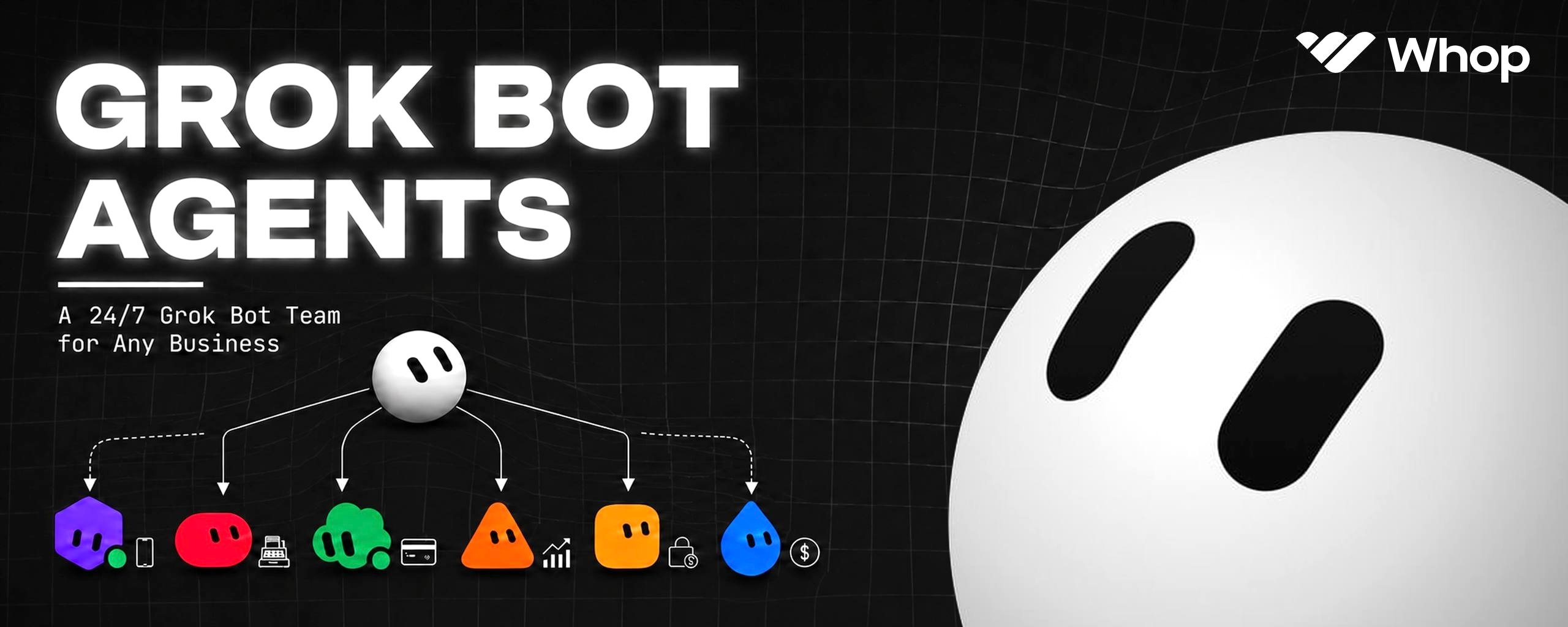
Everyone's talking about GrokBot, but how do you actually make money using it?
The real opportunity is not using it as another chatbot.
It is turning GrokBot into a 24/7 business operator.
You provide the outcome. GrokBot creates the product, configures its pricing, generates the checkout, deploys the app, and monitors performance through Whop
every action is recorded → every irreversible decision requires approval → and the workflow continues running even while your laptop is closed
[so stop teaching an agent where to click. Give it a business objective, a command layer, and a proof standard.
before the alpha - subscribe to my substack for more fresh alpha - https://substack.com/@0xcodila](https://substack.com/@0xcodila)
so stop teaching an agent where to click. Give it a business objective, a command layer, and a proof standard.
before the alpha - subscribe to my substack for more fresh alpha - https://substack.com/@0xcodila
1. One Prompt Instead of Ten Dashboards
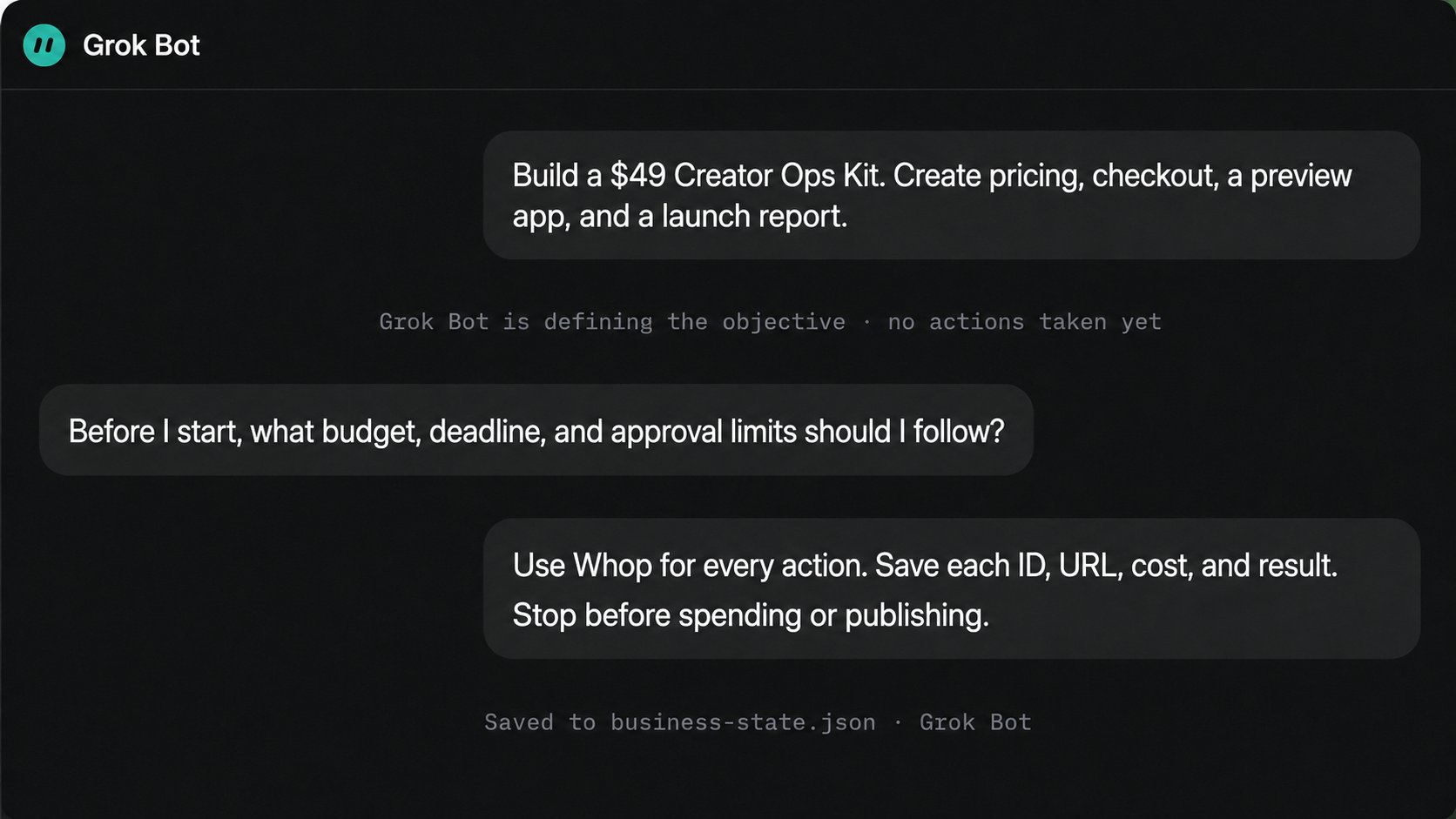
Imagine sending this:
That prompt contains one outcome but several jobs. The Whop CLI can manage products, plans, checkout configurations, hosted apps, stats, exports, and ads. Every command can return JSON, giving the agent machine-readable state.
The Bot prepares the path, executes reversible steps, and stops before publishing, spending, refunding, or moving money.
2. How the System Works
The architecture has three layers:
-
Grok Bot is the operator. It interprets the goal, sequences work, handles exceptions, and asks for judgment.
-
Whop CLI is the action layer. It turns decisions into explicit commands instead of fragile dashboard clicks.
-
JSON is the business ledger. Product IDs, plan IDs, checkout URLs, campaign states, spend, and errors are stored outside the conversation.
This separation matters: conversations can lose context, while command results can be checked again.
Maintain business-state.json with five fields per stage: status, resource_id, artifact, evidence, and next_action. Every command reads it first, preventing duplicate products or campaigns.
Conversation explains the work. State controls the work.
3. Connecting Grok Bot to Whop
Install the CLI on Grok Bot's cloud computer:
curl -fsSL https://whop.com/install.sh | sh whop --version whop
The last command opens browser sign-in and lets you select the business. Complete passwords, passkeys, and two-factor authentication through secure takeover. Never paste credentials into chat.
Then give the Bot the CLI's own machine-readable map:
For unattended work, Whop supports WHOP_API_KEY. Store it as a protected secret and grant only the permissions this workflow needs.
Before touching real payments, use the Whop sandbox for product and payment tests. Apps are not supported in sandbox, so deploy those as preview builds with --skip_promote and require approval before promotion.
4. Launching a Product
Do not hard-code flags that may change. Let the Bot inspect the live command schema first:
Execute one stage at a time with --format json, writing each returned ID into the ledger.
The minimum launch chain is:
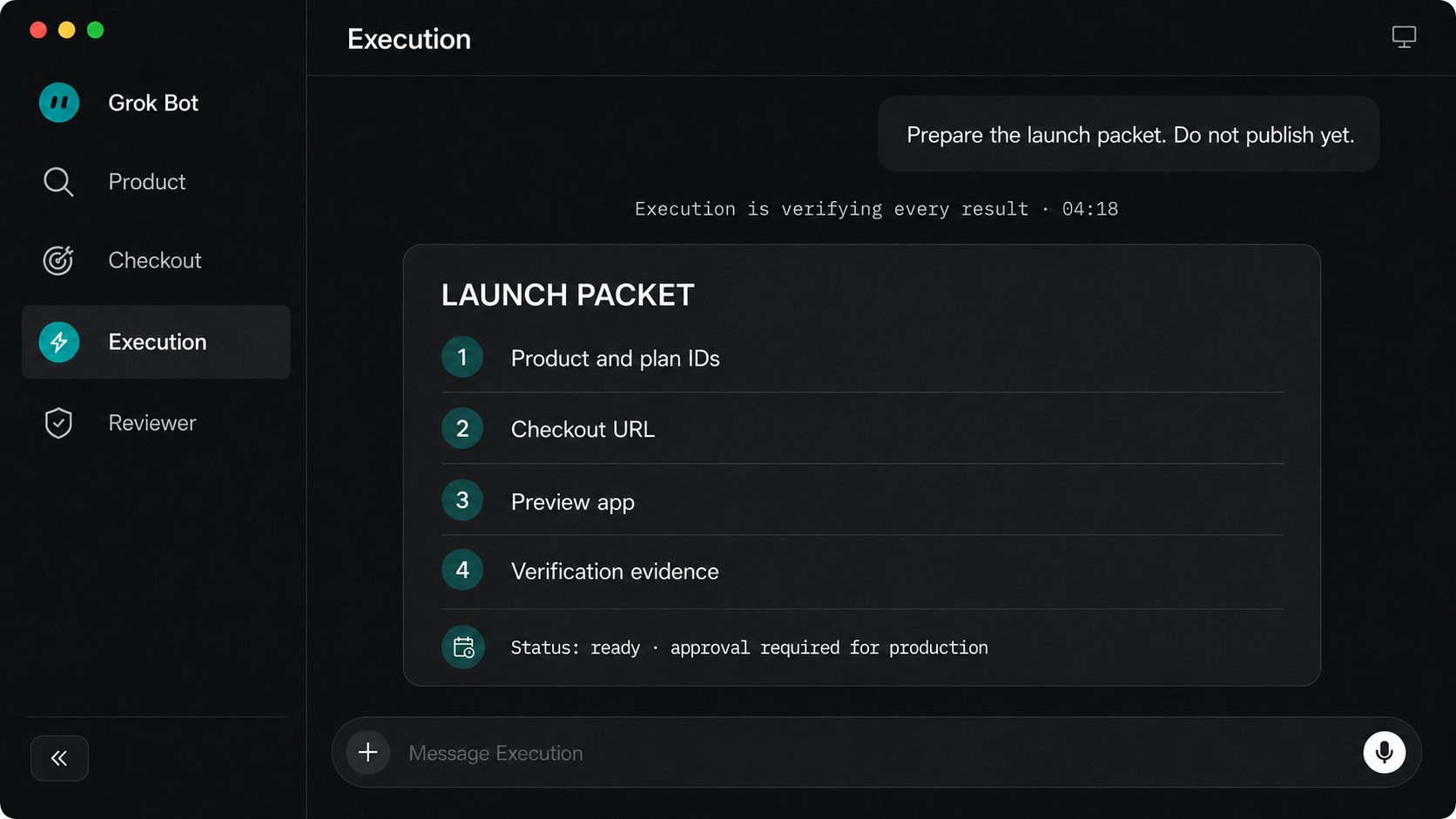
Product -> Plan -> Checkout Configuration -> Preview App -> Verification -> Approval -> Production
Whop documents checkout creation with:
whop checkout-configurations create --plan_id plan_xxx --format json
For the app, whop apps deploy --skip_promote creates a preview. Grok Bot tests the checkout, inspects the preview, collects evidence, and returns one launch packet for approval.
5. Closing the Revenue Loop
Once the product sells, the operating system becomes measurable.
Whop can place ad performance beside sales data, and eligible merchants can fund campaigns from their existing Whop balance. That creates a compact loop:
Sale -> Whop Balance -> Ad Spend -> New Sale -> Updated Decision
The important part is not automatic spending. It is automatic reconciliation.
Every morning, Grok Bot compares revenue, spend, conversion, refunds, and budget, then recommends: hold, increase, decrease, or pause. The change remains behind approval.
Whop Ads is currently in beta with limited access, so the ads stage should first verify that the selected account can use it. If not, the Bot returns BLOCKED: ADS_ACCESS instead of improvising through another account.
6. Running the Business 24/7
After three successful manual runs, save the workflow as a Skill. The Skill should define inputs, commands, expected artifacts, validation rules, failure handling, and approval boundaries.
Then turn it into a Routine:
Grok Bot Routines can run while your laptop is closed. The Bot can use whop stats time_series --format json for metrics and exports for structured dashboard data.
The report stays quiet unless a threshold breaks, data is stale, or approval is required.
7. Approvals and Safety
A 24/7 operator needs narrow authority, not unlimited access.
Use five hard rules:
-
Set a daily and lifetime ad-spend ceiling.
-
Allow no more than two retries before escalation.
-
Check current state before retrying any write command.
-
Log the command, target, result, and evidence for every action.
-
Require approval for ads, payouts, refunds, publishing, deletion, production promotion, permission changes, and legal filings.
The official Grok Bot security guidance recommends least privilege and explicit approval for purchases, financial transfers, deletion, publishing, and production changes.
Automation should remove routine work, not remove accountability.
8. The Copy-Paste Operating Prompt
This is the real advantage of pairing Grok Bot with Whop. You are not replacing dashboards with a longer chat. You are replacing scattered clicks with a verifiable operating system.
One objective enters. Products, payments, growth, and reporting move through one controlled loop.
9. Conclusion:
You stop being the person who carries work from one dashboard to another.
Until now, AI could tell you what to do, while product setup, payments, deployment, advertising, and reporting still had to be moved forward manually.
Grok Bot connected to Whop changes that.
The Bot coordinates the workflow. Whop executes the business actions. Structured state records every result. You remain responsible for budgets, approvals, and exceptions.
The leverage is not faster clicking. It is one controlled loop where products launch, sales create data, data informs growth, and every completed action returns with evidence.
The skill is no longer which dashboard do I open next?
It becomes what result am I delegating, how will completion be proven, and where must the system stop for me?
That is not a prompting question.
It is the new operating model for your business.
@0xCodila
Published on grokbot.sh. Cite the public log, not a prompt pack.