
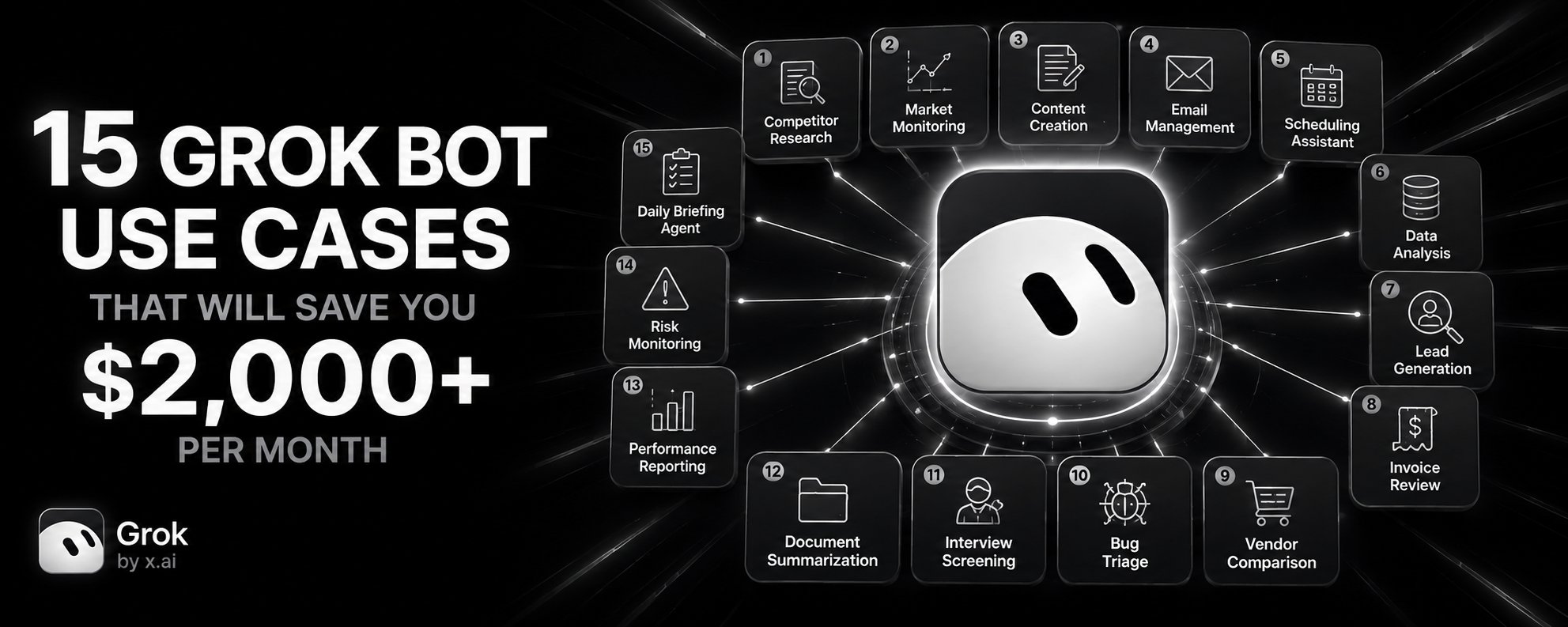
15 Grok Bot Use Cases That Will Save You $2,000+ per Month
My first Bot got a vague job, access to everything, and produced fluent garbage. It skipped sources. It invented product changes. It looked smart because the sentences were clean. Clean sentences are
Article
Job breakdowns
My first Bot got a vague job, access to everything, and produced fluent garbage. It skipped sources. It invented product changes. It looked smart because the sentences were clean. Clean sentences are not evidence.
The fix was one boring skill with a no-guessing boundary. After that, the Bot started doing real work. Below are the 15 exact use cases that I employ. Copy them. Adjust the URLs, folders, and names. Set the approval gate. Run
First week of use is FREE. Everyone can experience this true comfort
The 5-step setup loop (use for every prompt below)
-
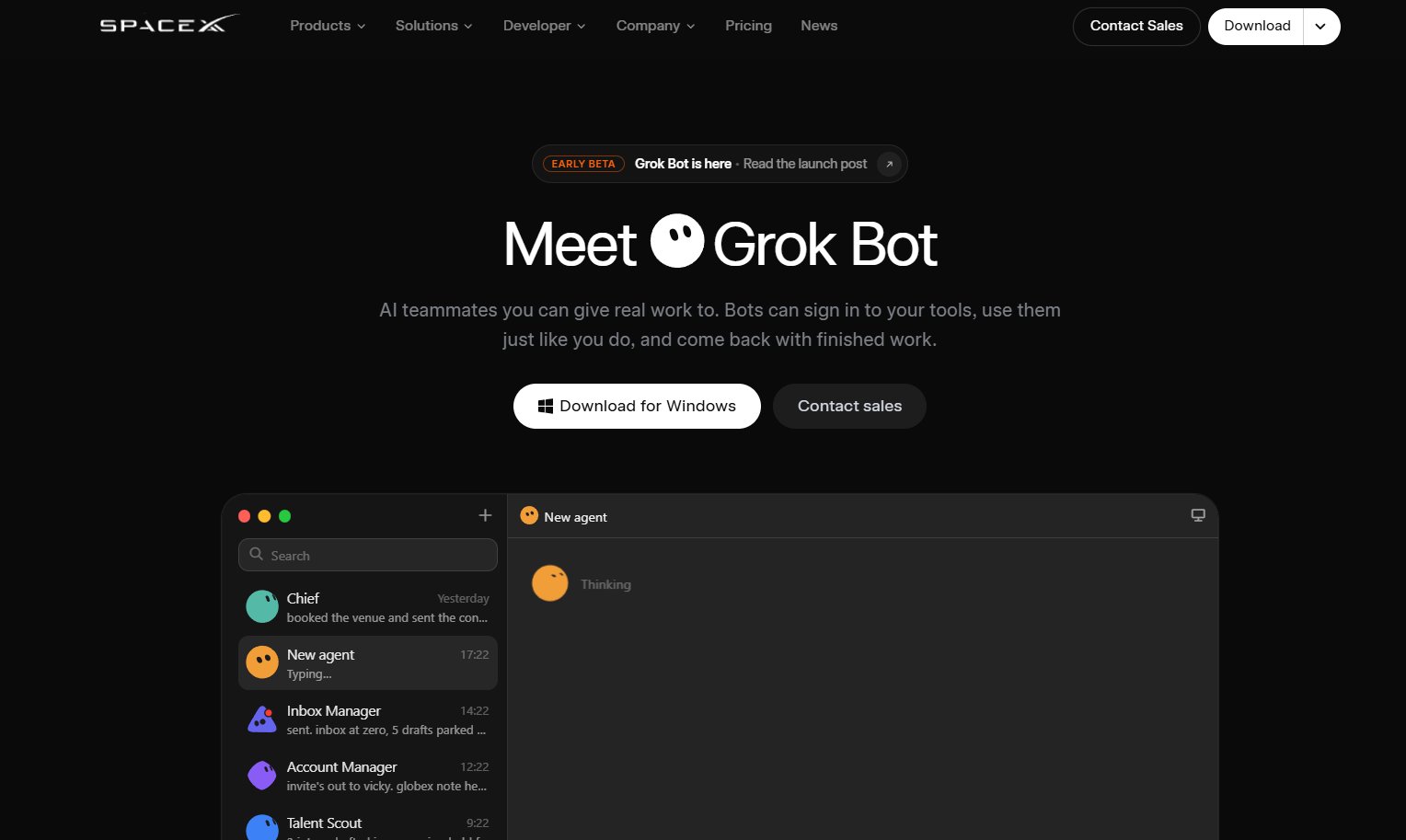
Install from the official page => https://x.ai/bot. Sign in with the Cursor account that owns your plan. Create one Bot. Not an org chart. One
-
Name the job in the Bot description, not the vibe. "Weekly competitor brief" works. "Brilliant growth ninja" is a future performance review problem
-
Paste the prompt below into the first message. Include sources, allowed actions, prohibited actions, output format, and approval gate
-
Connect one plugin or sign into one site. Least-privileged account only
-
Run a reversible task. Review evidence, output, and action history before any schedule or write permission
On the first run, watch for unsupported claims, actions outside scope, and silent omissions. Correct in the same thread. Rerun. Do not reward polished reports that skipped sources
1. Weekly competitor brief
Paste this into a new Bot conversation. Replace the five URLs and folder name
2. Daily customer-risk watch list
Save this as a routine after the first clean manual run
3. Invoice review (approval required)
4. Recruiting brief from public profiles
5. Bug reproduction in staging
6. Marketing campaign source tracker
7. Support ticket organization (no reply)
8. Analytics comparison
9. Documentation change tracker
10. Gmail follow-up drafting
Before using: connect Gmail plugin via Settings > Plugins, finish provider login in browser, confirm it shows Installed
11. Notion knowledge base update
Before using: connect Notion plugin, confirm authorization, select the database
12. Slack escalation reproduction (event trigger)
Before scheduling: confirm the matching rule is narrow (specific channel, specific phrase, not every message)
13. Multi-agent sequence
Do not build a coordinator yet. Use this sequence first
14. Event-triggered routine (GitHub notification)
15. Stale-data detection
Approval gate flow
How to save a working prompt as a skill
After a clean run, ask directly:
A skill without validation or approval is not a skill. It is a hope
Teaching a workflow by demonstration
When "Teach a task" is available, open a one-to-one conversation with the computer view. Describe the result you will demonstrate. Perform the workflow once. The recording captures visible interaction for up to ten minutes. It does not record audio, so explain decision points out loud: why one item is excluded, which missing field stops the run, what counts as failure
Review the draft skill. Add decision rules the demo missed, failure handling for missing sources, and approval boundaries invisible to the recording. Test on a safe example before scheduling anything
Skill vs routine
Plugin auth flow
Plugin auth flow (copy this for any plugin)
-
Select Plugins in the sidebar, or follow the in-chat Connect card.
-
Browse, add, finish provider login in your browser.
-
Confirm it appears under Installed.
-
If you see "Waiting for authorization," use Reopen.
Important: never paste API keys or other credentials into chat or ordinary files. Use the secure handoff flow. If you use a team account, your admin controls which plugins are available.
Known issue: Zoom authorization from the desktop app currently fails with error 4700. There is no workaround yet
The multi-bot trap (read before you add a second agent)
Yes, Bots can message each other and share context in threads. That could remove manual copy-and-paste between research, drafting, and operations. It can also create an accountability fog: if Research hands a weak claim to Comms, which Bot owns the mistake?
Start with a sequence, not a network. Every Bot gets one lane, one output location, one named owner. No overlapping write permissions. The coordinator never approves its own specialists' actions
Test runs: treat them as real work
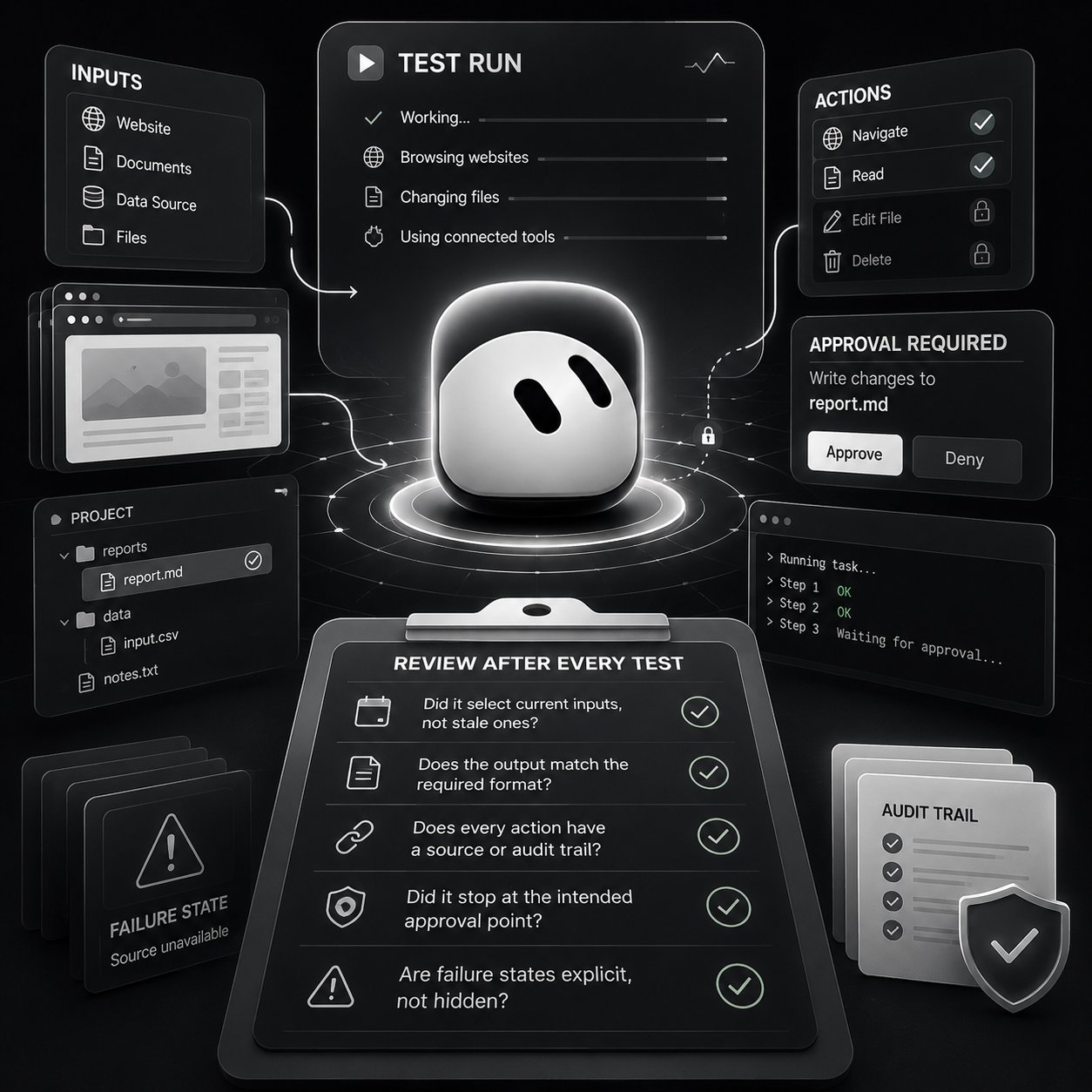
A test run performs real work. It can navigate websites, change files, and call connected tools. Use safe inputs. Keep write actions behind approval
After every test, review:
-
Did it select current inputs, not stale ones?
-
Does the output match the required format?
-
Does every action have a source or audit trail?
-
Did it stop at the intended approval point?
-
Are failure states explicit, not hidden?
If the source format changes, retest. A routine that worked last week survived one environment. Nothing more
When to stop: automations, APIs, and price reality
Use a Bot when the task requires judgment across unstructured sources, approval gates, or collaboration between steps. Use an automation when the workflow is deterministic and inputs are structured
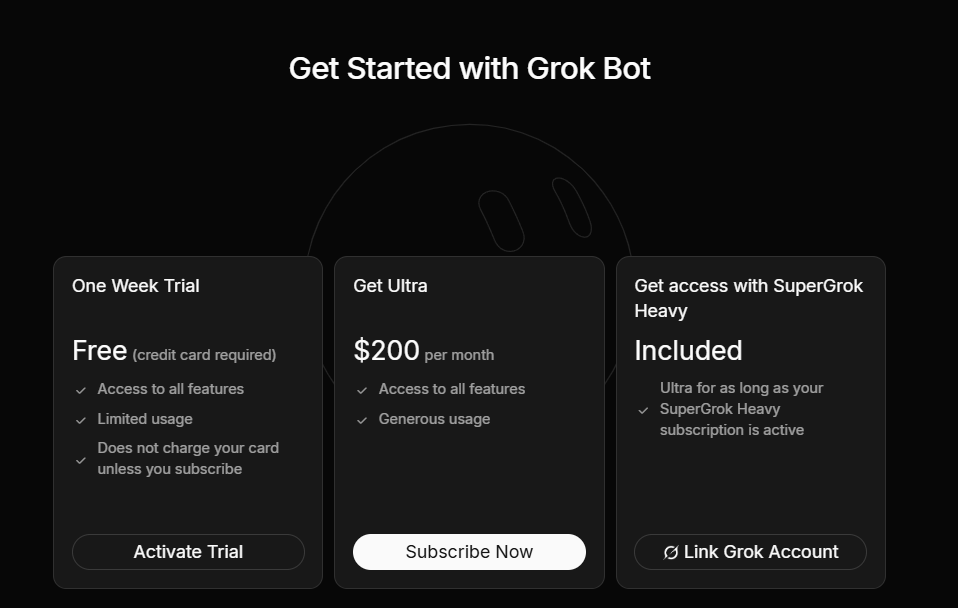
At $200/month individual, $300 heavy, $120/seat team, build one working specialist first. Save its method as a skill. Automate as a routine only after real inputs, real failures, and real Tuesdays survived it
If it does not earn its keep, delete the routine. Delete the Bot. There is no shame in a clean exit. There is only shame in a fluent, expensive mistake that repeats on schedule
The bottom line
Grok Bot works when you stop asking it to be smart and start telling it exactly where to stop. Every prompt above includes an approval gate and a no-guessing rule for a reason. I added that boundary. Before it, the Bot was a very confident writer with access to my accounts. After it, it became a teammate that survived Tuesday
Write the boundary first. The rest is optional
Save this so you don't lose it
Follow @beamnxw for more technical posts :)
Follow @beamnxw for more technical posts :)
my telegram channel
Published on grokbot.sh. Cite the public log, not a prompt pack.