
Leveraging Grok Bot's Integration with Cursor
One of the things that separates Grok Bot from some new cloud agent competitors *cough* MUSE *cough* is how much deeper you're able to go with the product. Grok Bot is a native Cursor product -- the
Article
Job breakdowns

One of the things that separates Grok Bot from some new cloud agent competitors cough MUSE cough is how much deeper you're able to go with the product.
Grok Bot is a native Cursor product -- the "Grok" in Grok Bot is the name and the model, almost everything else is Cursor DNA for now. One of the benefits of this is how well integrated Grok Bots are with Cursor. It is very easy to send work over to Cursor by simply prompting your Grok Bot.
WHY SHOULD YOU CARE?
What's the point of sending work from your Grok Bot to a Cursor cloud agent? Why not just have your Grok Bot do it?
Think of it like a factory.
YOU = the customer at the front desk. You say what you want in normal language: fix this ride file (example coming), build this tool, make this video game, etc.
GROK BOT = the front office. It takes the order, already knows your context, decides what kind of job this is, gathers the pieces (files, rules, etc), and either handles simple stuff itself or sends the hard build back to the shop floor. When the work is done, it brings the finished product back to you, regardless of whether Grok Bot did the work itself or sent it over to Cursor.
CURSOR (and its cloud agents) = the shop floor. This is where real manufacturing happens: writing code, editing project files, running tests, iterating until the product exists. If you're using Grok Bot, you always have this as a weapon in your back pocket for when things get difficult. Cursor is a very powerful tool that is very well integrated with Grok Bot.
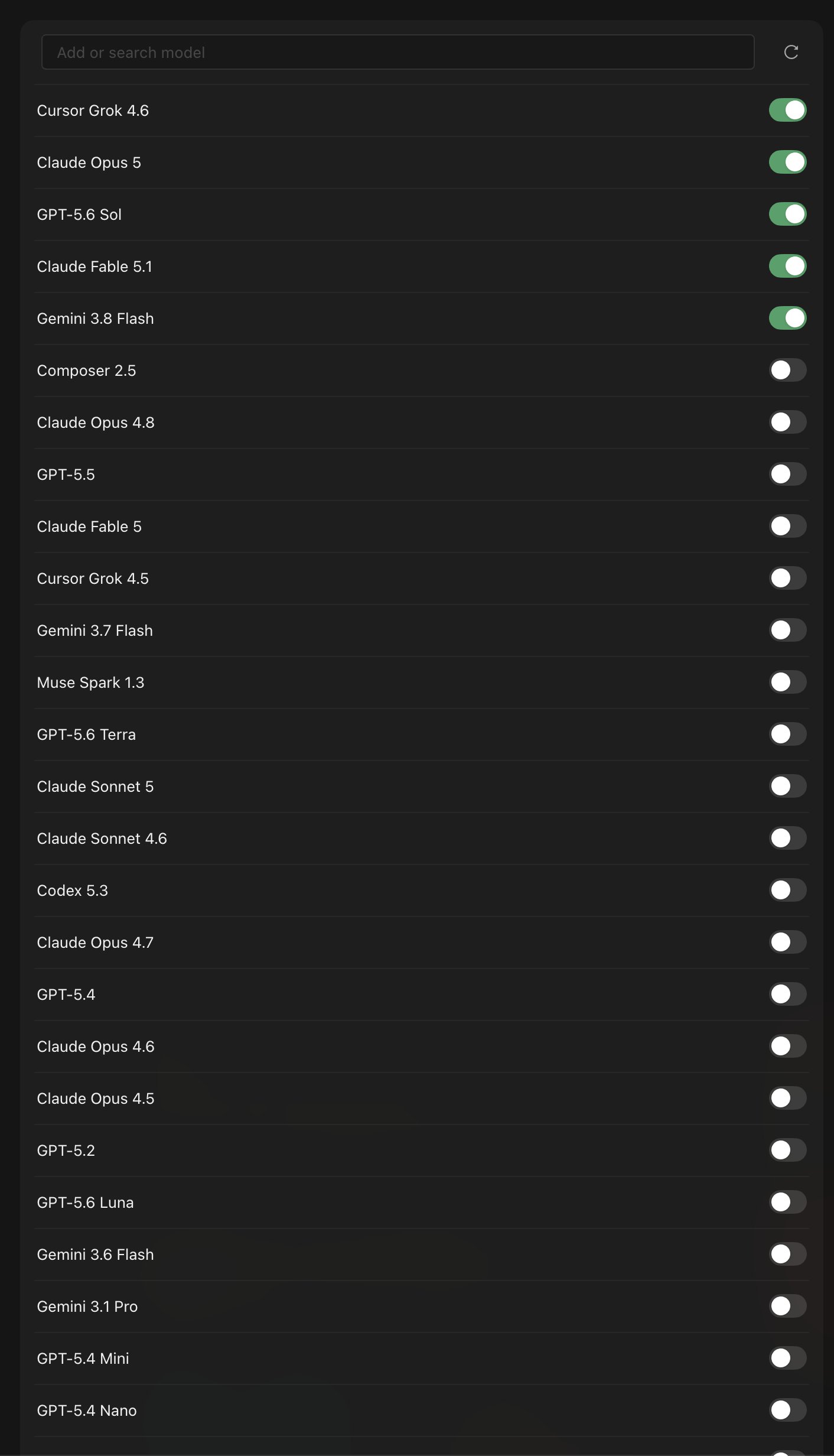
The other great thing about Cursor is that it gives you access to basically any model you could ever want, and all you have to do to pick inside of Grok Bot is tell your Grok Bot which one to use (or just have it pick whichever it thinks is the best for your job).
REAL-WORLD EXAMPLE
Last week, I had my Grok Bot create a cycling route for my ride on Saturday. My fitness coach bot assigns me ride lengths and elevation/power requirements, but sometimes I struggle to plan a route that will check every box. So I asked my Grok Bot to create a GPX file (this is a map file that can be loaded into a Garmin cycling computer) of a route that fits the appropriate distance and elevation. My Bot took care of it (I thought).
To get the GPX file into my Garmin, my Grok Bot used its computer to log onto the website RideWithGPS and uploaded the gpx file as a course, which I can then sync directly to my Garmin from my phone. All I did was prompt the bot, and later got a message that it was ready. Opened my Ride with GPS app, the course appeared, and I synced it over. Amazing.
SATURDAY MORNING
It's game time. I'm suited up, ready to rock. I get on my bike, launch the course, and head out for the ride.
About 15 minutes into the ride, I realize that the file Grok built is all messed up. The route is taking me across properties, fields, etc. It's not lining up with public roads or looking like anything I can possibly follow on my ride (wen 4.7?).
Crap.
I'm already five miles from home and not turning back. What can I do?
I pull out my phone while riding, open Grok Bot to my Chief of Staff, launch voice mode, put my phone back into my pocket and get both hands back on the handlebars. I'm wearing Shokz headphones, which I can use to talk to my Grok Bot. Here's what the conversation looked like:
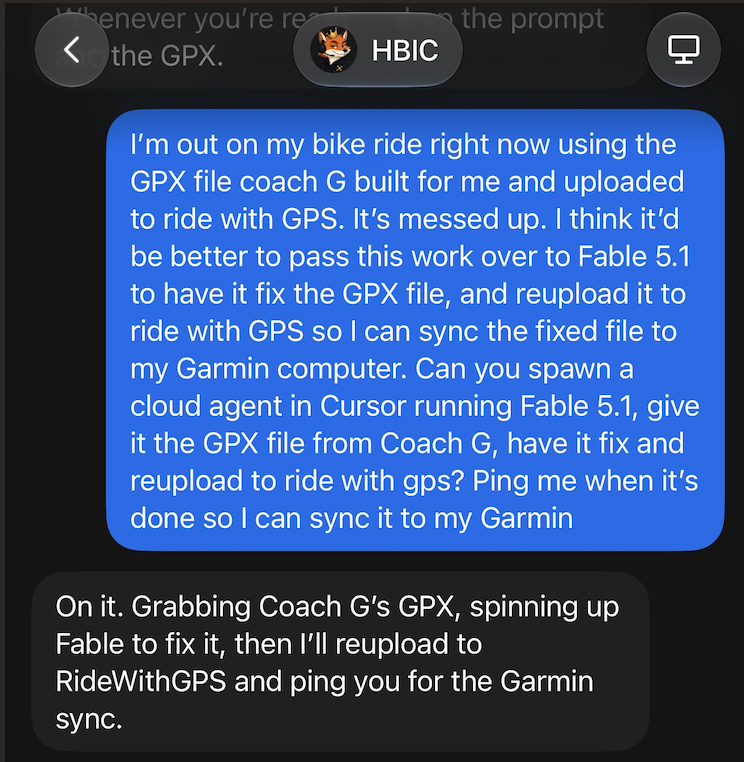
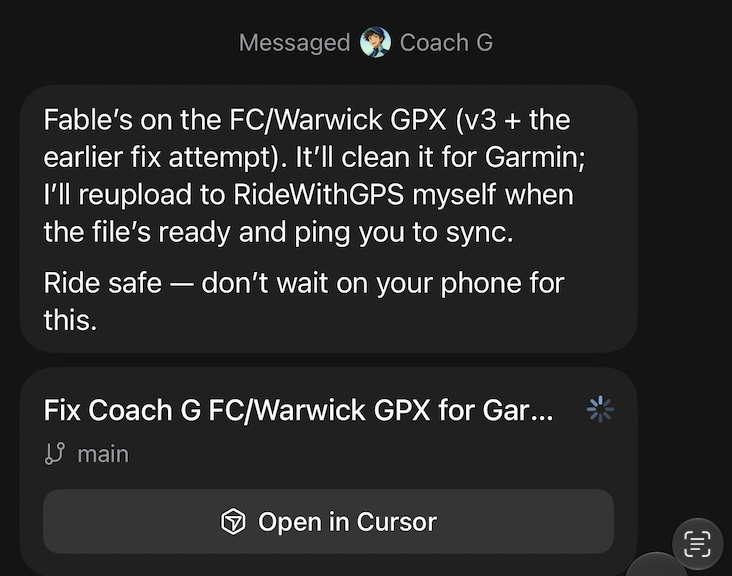
That's it. After my prompt, HBIC hung up and got to work. Here's what it looks like in your Grok Bot window when a Cursor agent is handling the job:
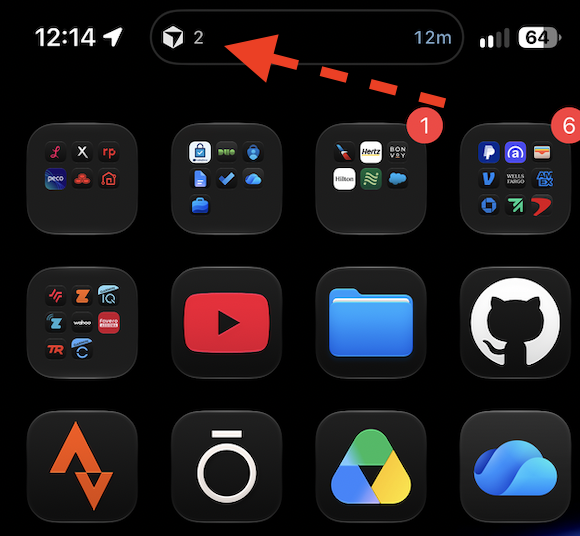
Here's what you'd see if you're sitting on your iPhone's Home Screen:
Here's what you'd see if you opened the Cursor app:
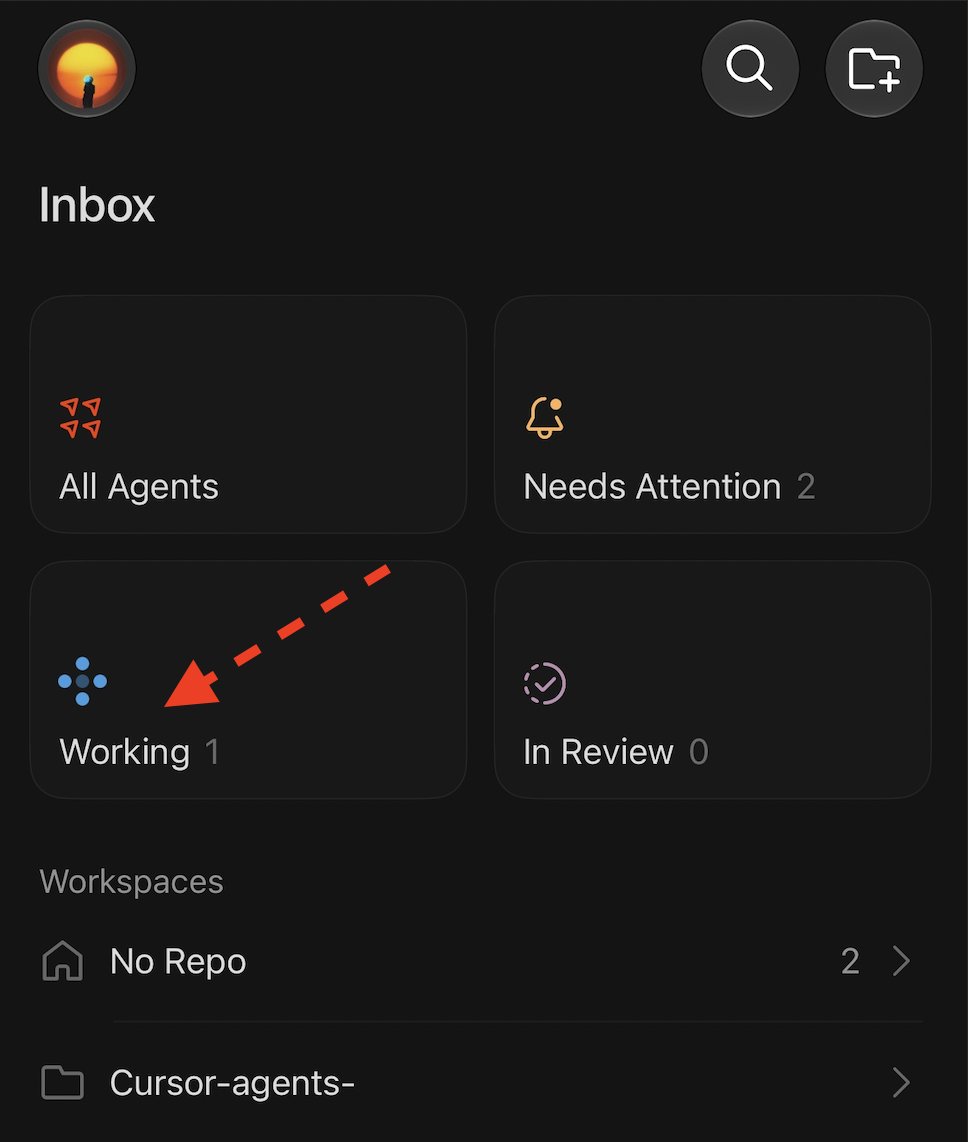
If you clicked into the working agent, you'd see Grok Bot's prompt first, followed by the work your Cursor agent is doing in response to your Grok Bot's request:
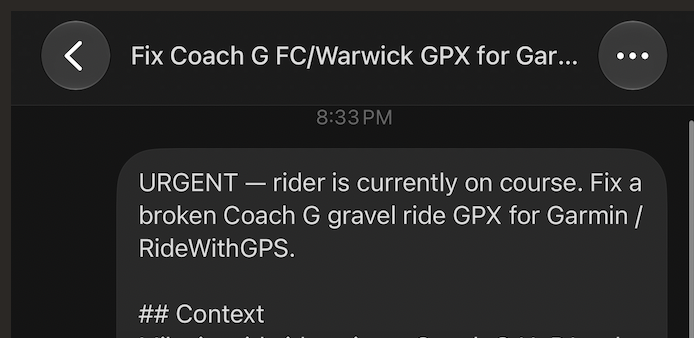
All you have to do is tell your Grok Bot to send work over to Cursor, and it all happens in the background. There is zero setup for this, all you have to do is have a Cursor sub and be sitting on Grok Bot. You don't even need the Cursor app -- the work gets handed to a Cursor cloud agent and passed back to Grok Bot to deliver to you. It's totally seamless.
After a bit, I got a ping that the work was done. I open up Ride with GPS at a stop light, and there it is. New course. Sync it into my Garmin, and the fix is in. Good to go. This is the type of work that would take a human hours sitting at a computer manually. For me, it took the initial prompt last week, and the quick voice prompt on Saturday for the fix.
CONCLUSION
This is just one small example of how powerful this can be. Unlike other cloud agent products, Grok Bot can go very deep. You have full access to tons of different models with this integration, all capable of doing cloud work.
Your Grok Bot is the gateway.
The next time you're giving your Grok Bot a task that seems difficult/might be well suited for the factory floor or a different model, try this out.
Published on grokbot.sh. Cite the public log, not a prompt pack.