
How To Build a 24/7 DM Assistant Using Grok Bot
My DMs live in 3 places. Email. Slack. Telegram. I check all of them. Every day. And I still miss the ones that matter. A brand deal sat unanswered for 4 days. [Kanika: swap in your real example or
Article
Job breakdowns
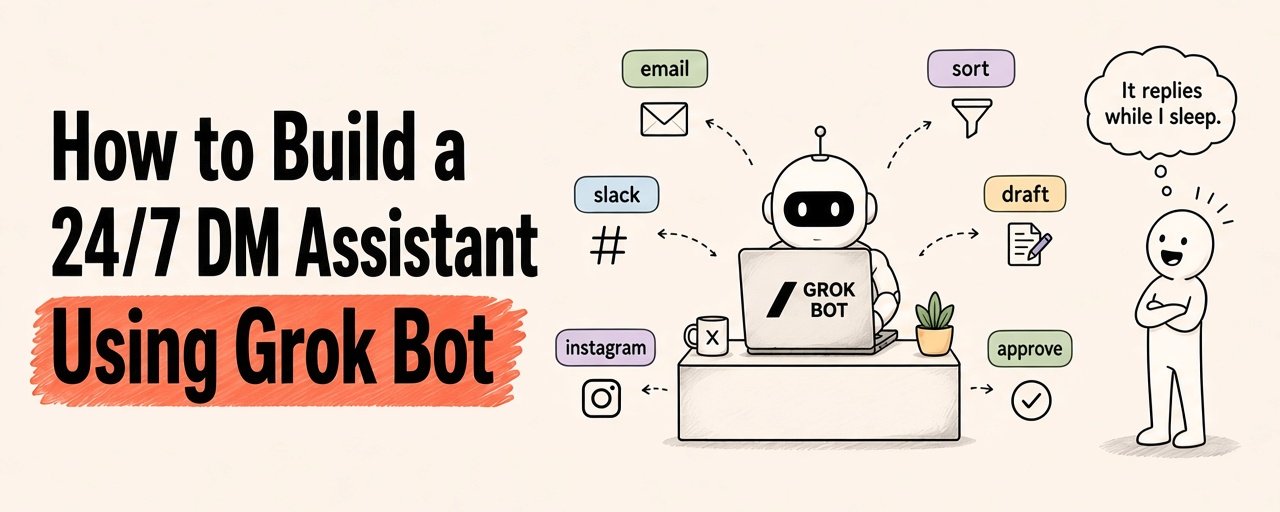
My DMs live in 3 places. Email. Slack. Telegram.
I check all of them. Every day. And I still miss the ones that matter.
A brand deal sat unanswered for 4 days. [Kanika: swap in your real example or cut]
So I gave the job to a Grok Bot.
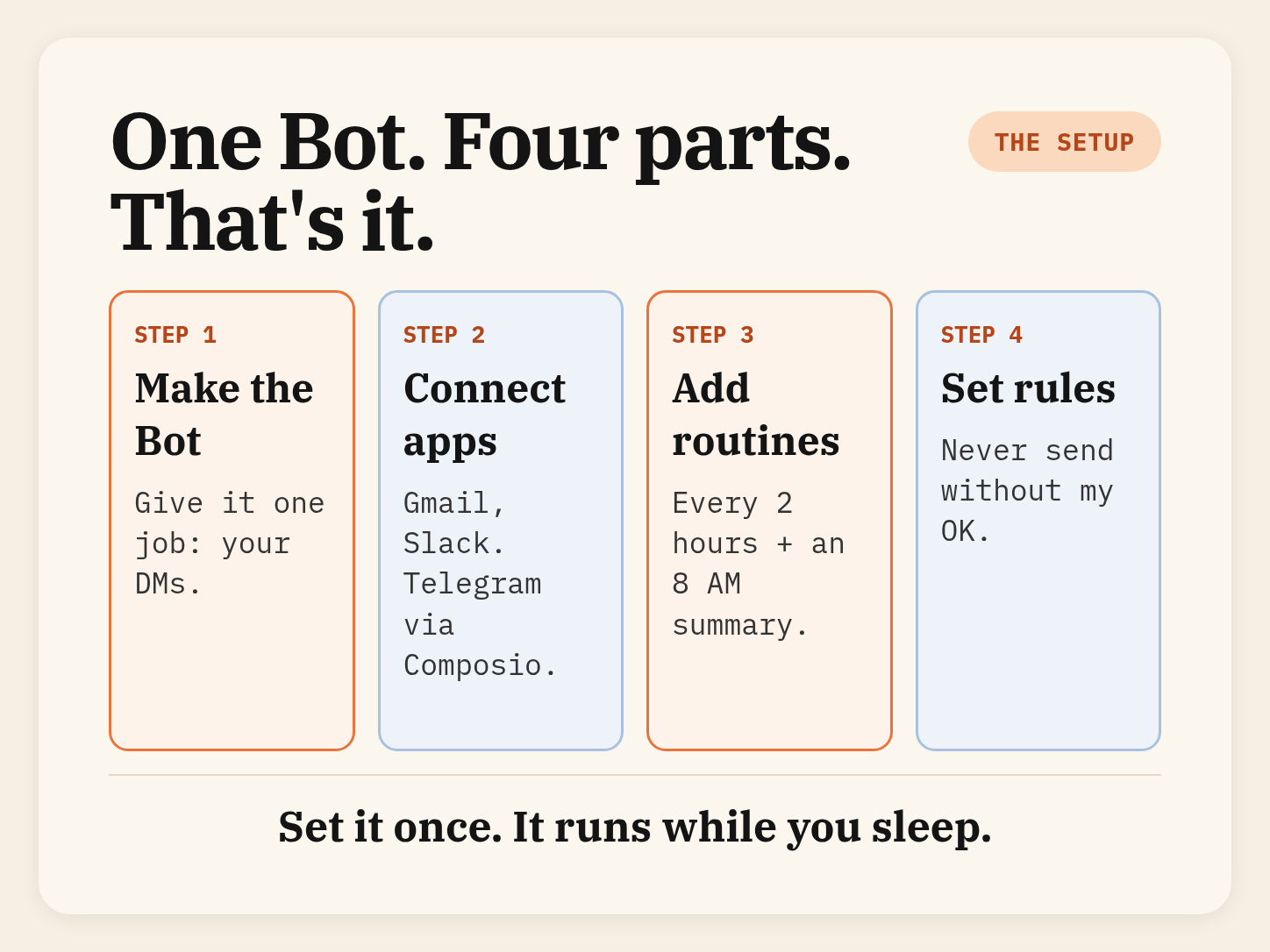
Here's what it does now:
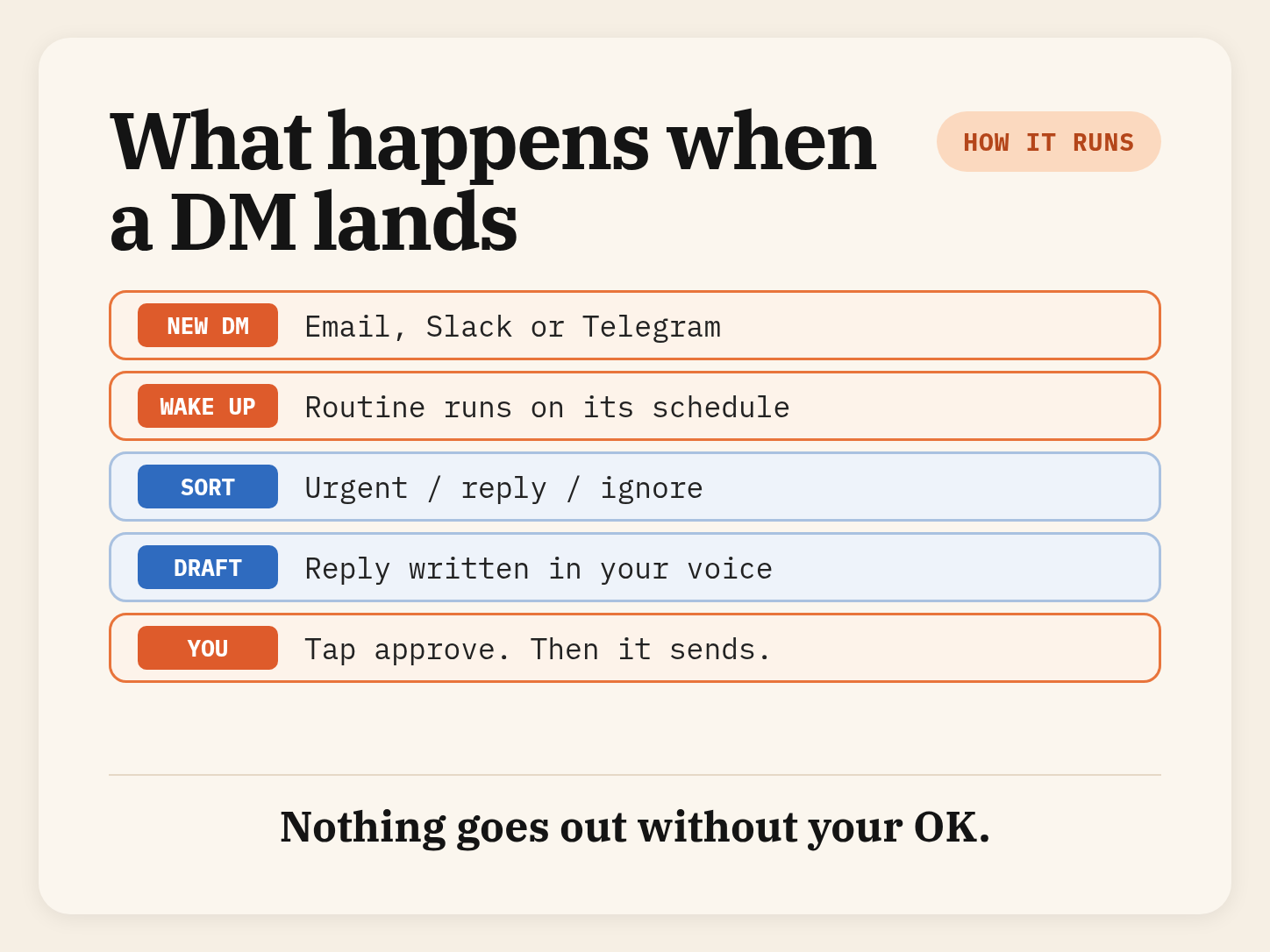
→ Checks my inboxes on a schedule, even with my laptop closed
→ Sorts every message: urgent, reply, or ignore
→ Writes reply drafts in my voice
→ Sends me one short summary every morning
→ Never sends anything without my OK
No VA or any new app to learn. Just messages.
Below is the full setup, every prompt, and what to watch out for.
Save this.
What Grok Bot actually is
→ A desktop + phone app where you make "Bots".
Think AI teammates with a name and a job.
→ Each Bot has its own computer in the cloud. So it keeps working when your laptop is shut.
→ You connect your apps (Gmail, Slack and more) in a couple of clicks.
→ "Routines" tell a Bot when to work: on a schedule, or when something happens.
→ It comes back to you for approval before anything is sent.
Simplest way to think about it: You don't use it. You message it.
Here is more - https://x.ai/news/introducing-grok-bot
Here is more - https://x.ai/news/introducing-grok-bot
The whole setup at a glance
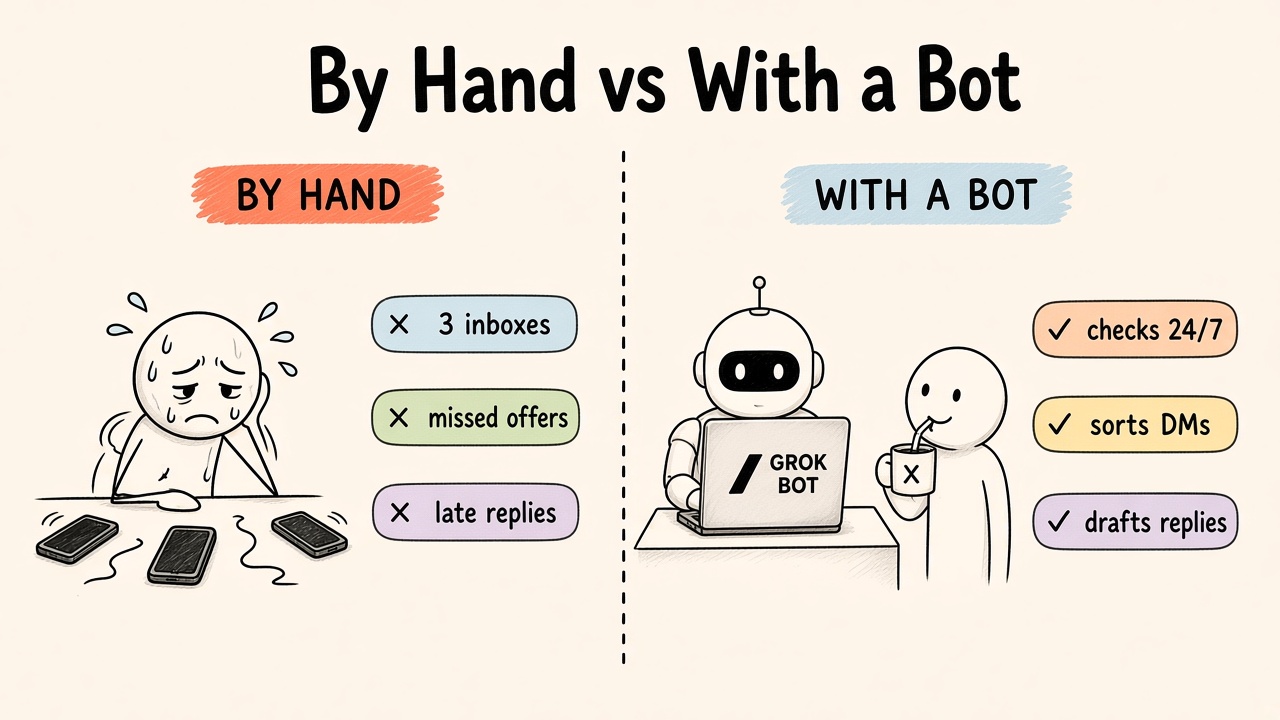
Open Grok Bot and create a new Bot. Give it one job only. One Bot, one job works best.
Copy this as your first message
Step 2 : Connect your inboxes
In the sidebar, click Connect apps. Search for the app, add it, and log in when it asks.
→ Gmail: it can search, read, draft, send and label your mail.
→ Slack: it reads and posts as you, not as a separate bot.
→ Telegram: there's no built-in Telegram connection. You add it through the Composio plugin. (Check what access it asks for before you approve.)
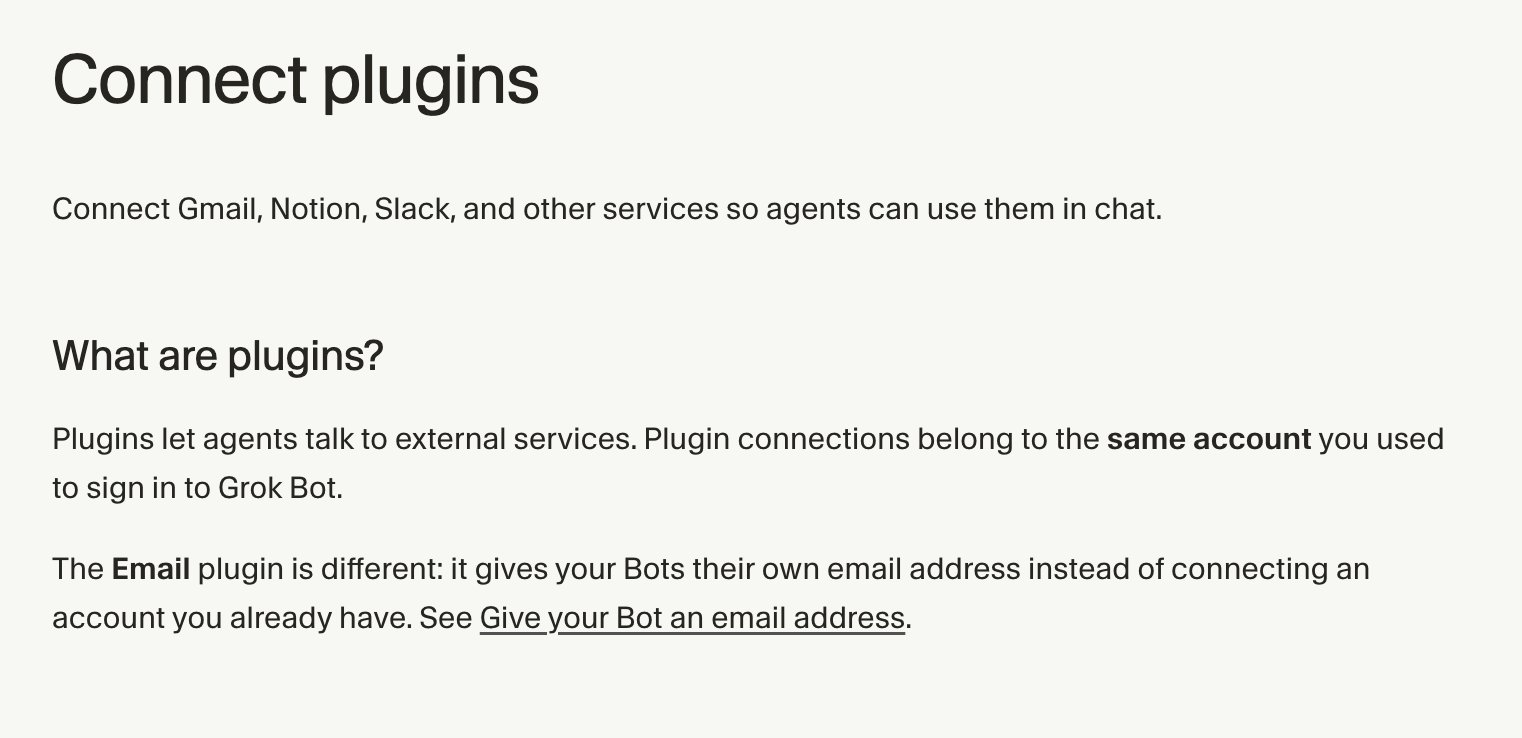
Sources you can use: https://cursor.com/help/grok-bot/connect-plugins https://composio.dev/toolkits/telegram/framework/grok-bot
Step 3 : Set the check-in routine
This is the "24/7" part. You just ask in plain words. The Bot builds the routine.
Copy this
Tip: test it right away. A new routine waits for its next time slot. Open the routine and press Test.
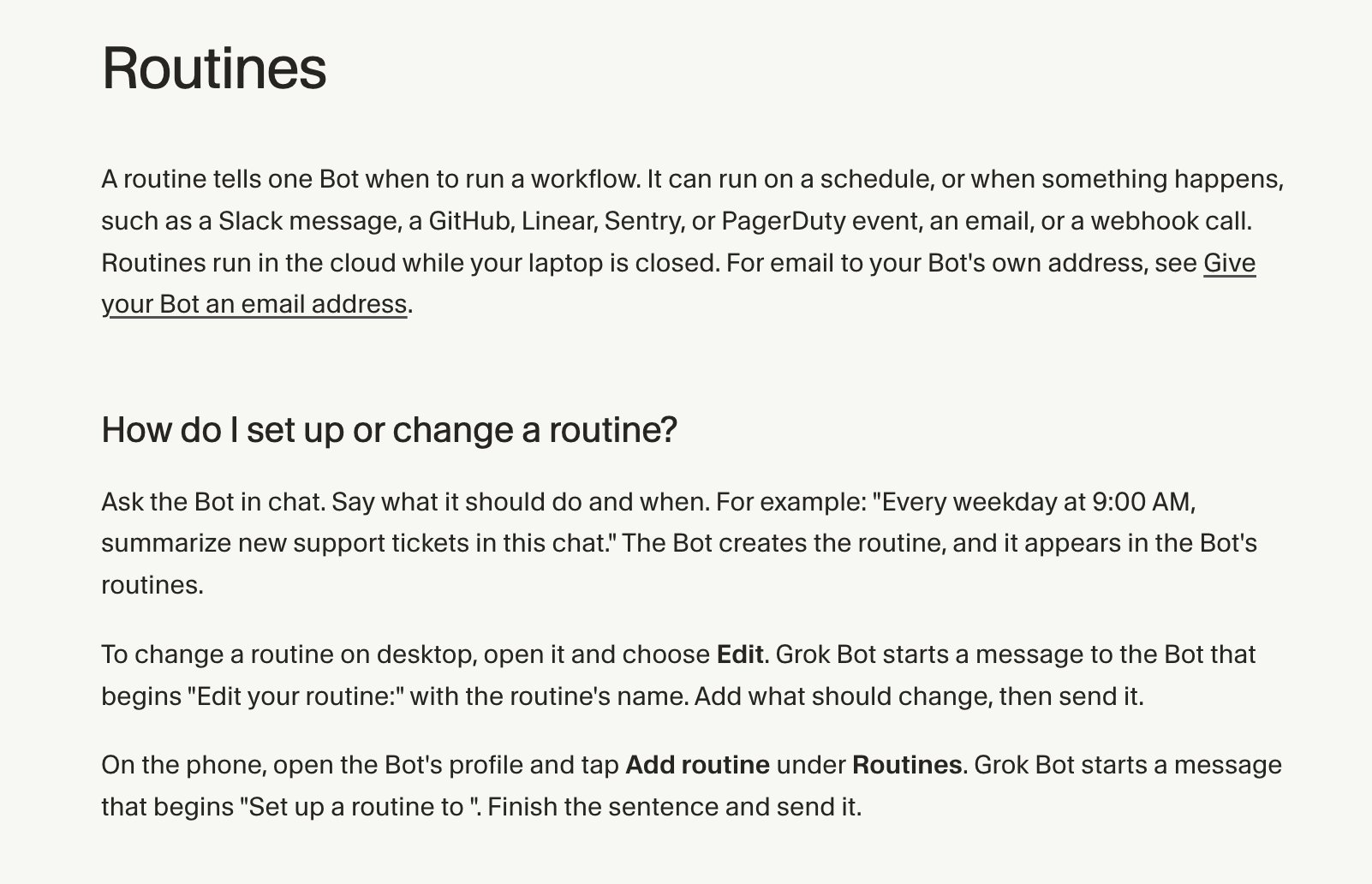
🔗 https://cursor.com/help/grok-bot/routines
🔗 https://cursor.com/help/grok-bot/routines
Step 4 : Add a morning summary
One message. Everything that matters.
Step 5 : Make it reply instantly in Slack
Routines can also start the moment something happens in Slack. For example, when someone types a certain word, or mentions your Bot. (this is for content creators, you can instruct as per your requirement)
Step 6 : Approve, then let it learn
Every draft comes to you first. Fix one, and tell the Bot why.
The more you correct it, the more it sounds like you.
What to watch out for
→ Every run uses your Grok Bot usage. Every 2 hours is fine. Every 5 minutes is a waste.
→ A Slack trigger on "any message" in a busy channel will burn usage fast. Use a word or a mention.
→ Sometimes a login expires. The Bot will ask you to sign in again.
→ Keep the "never send without my OK" rule. Always.
Real people already doing this
How to start today
→ Make one Bot with one job: your DMs
→ Connect just Gmail first
→ Add the 2-hour routine and press Test
→ Add Slack and Telegram once it feels right
That's the whole system. Set it up once. Let it watch your DMs while you sleep.
If this helped:
→ Repost to share it with a friend drowning in DMs
→ Follow @KanikaBK for more AI tools and setups like this
→ Bookmark this, the prompts work today
Published on grokbot.sh. Cite the public log, not a prompt pack.